
Turn your approved kit into a verified chalkboard film
Prepare the voice, storyboard and layers. Hand them to a separate production session with checks and approvals intact.
Get the video factory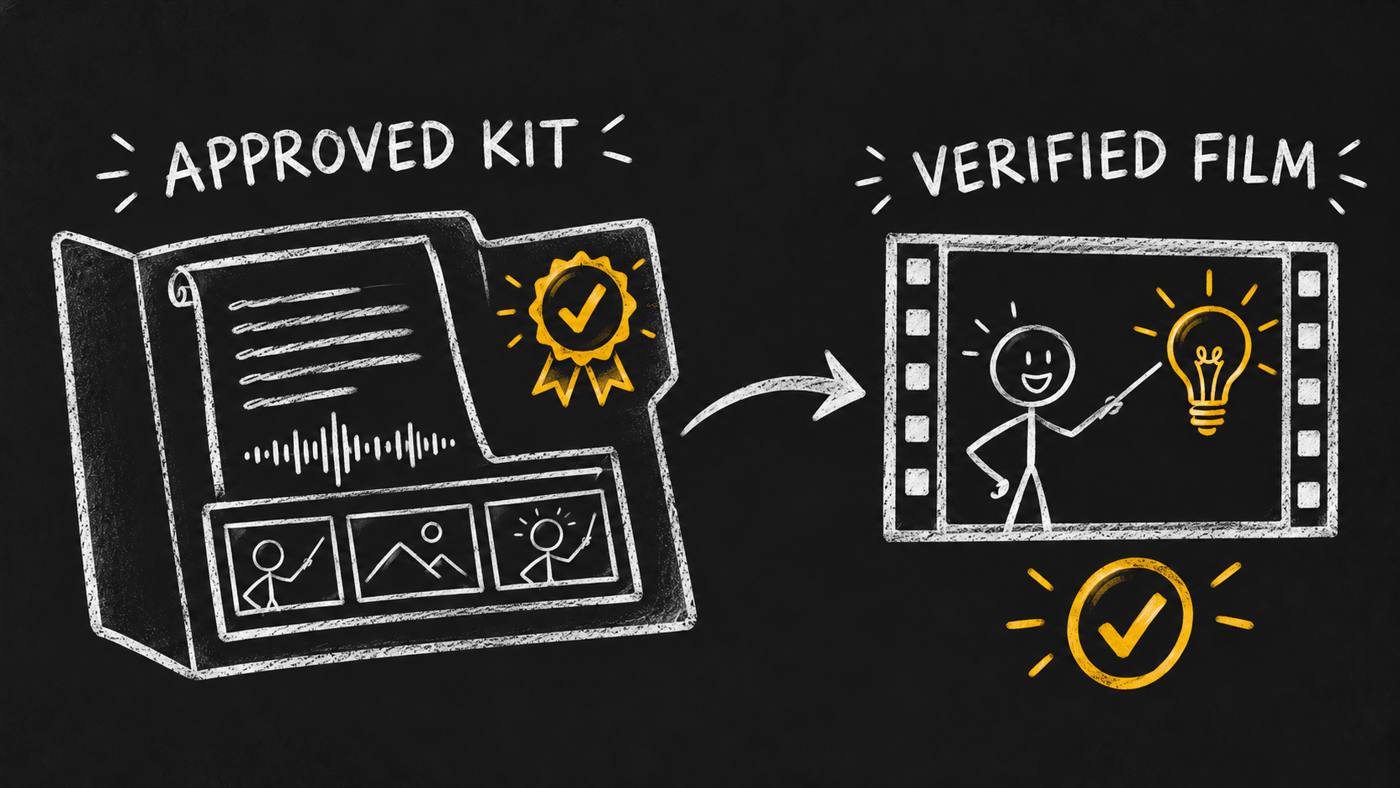
Prepare a kit someone else can use
I made Skill Launch Video Factory to keep the spoken story, scene plan and drawing layers connected across video sessions. Start with a published skill, its version, one video card and a named approver.
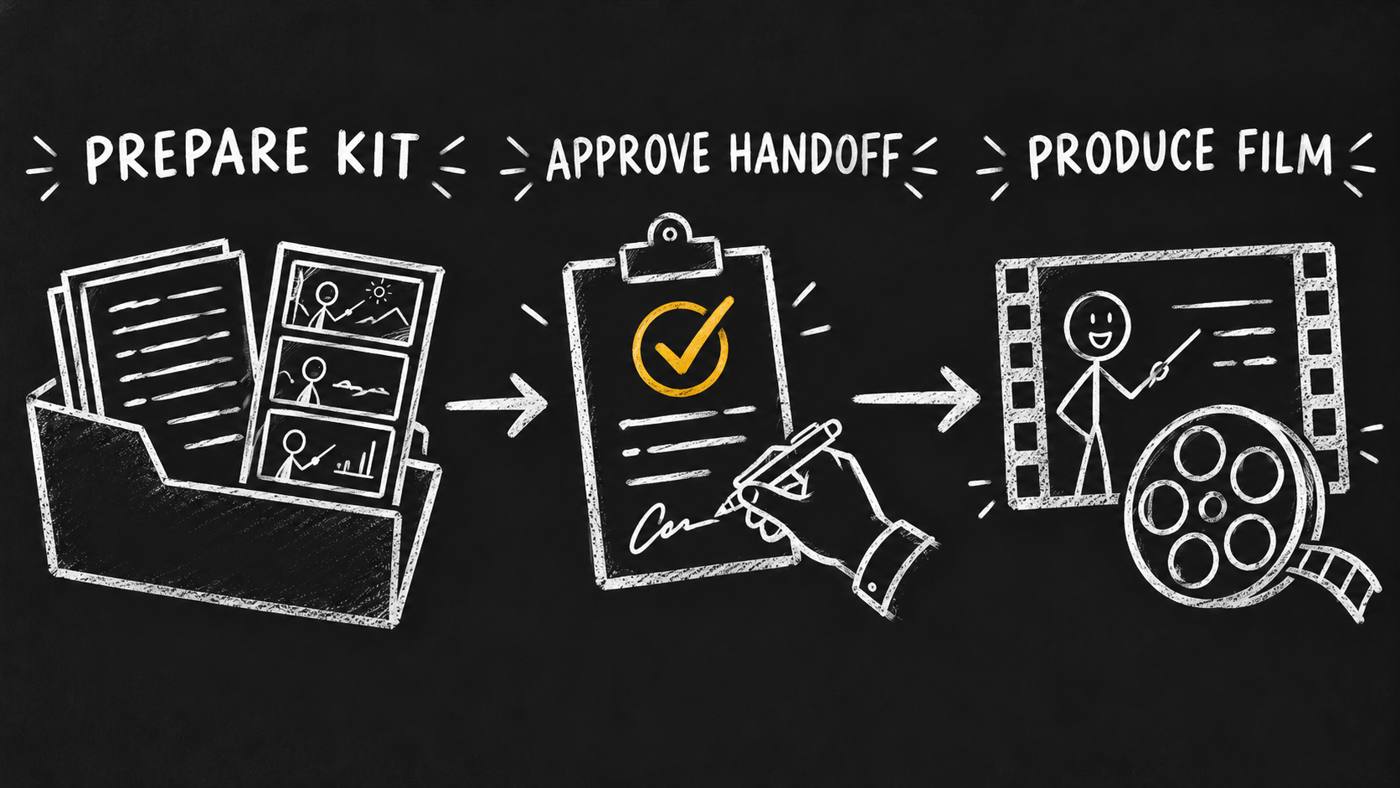
The first workflow ends with approved narration, a measured storyboard, scene references, prepared layers and a checked handoff. Review the script and recorded voice before final timing. Check that the art supports the directed action.
opvs-skills install @di-atomic/skill-launch-video-factory

Use skill-launch-video-factory on the video card.
Prepare an approved kit for this published skill.
Stop before animation.
Stop at the kit handoff
A complete preparation kit is a concrete output. Read it, play the recording and inspect the scene references. Production begins in a separately authorized session, which consumes the kit and preserves its approvals.
Produce the approved story
HyperFrames handles scene animation and visual transitions. Review the rough motion cut before finishing. Video Editor handles sound and subtitles, consuming one motion video without adding another layer of visual transition overlap.
The route delivers captioned and clean films. The clean film omits burned-in subtitles while keeping explanatory text and drawings. Watch and listen at full speed before accepting delivery.
Keep specialist work connected
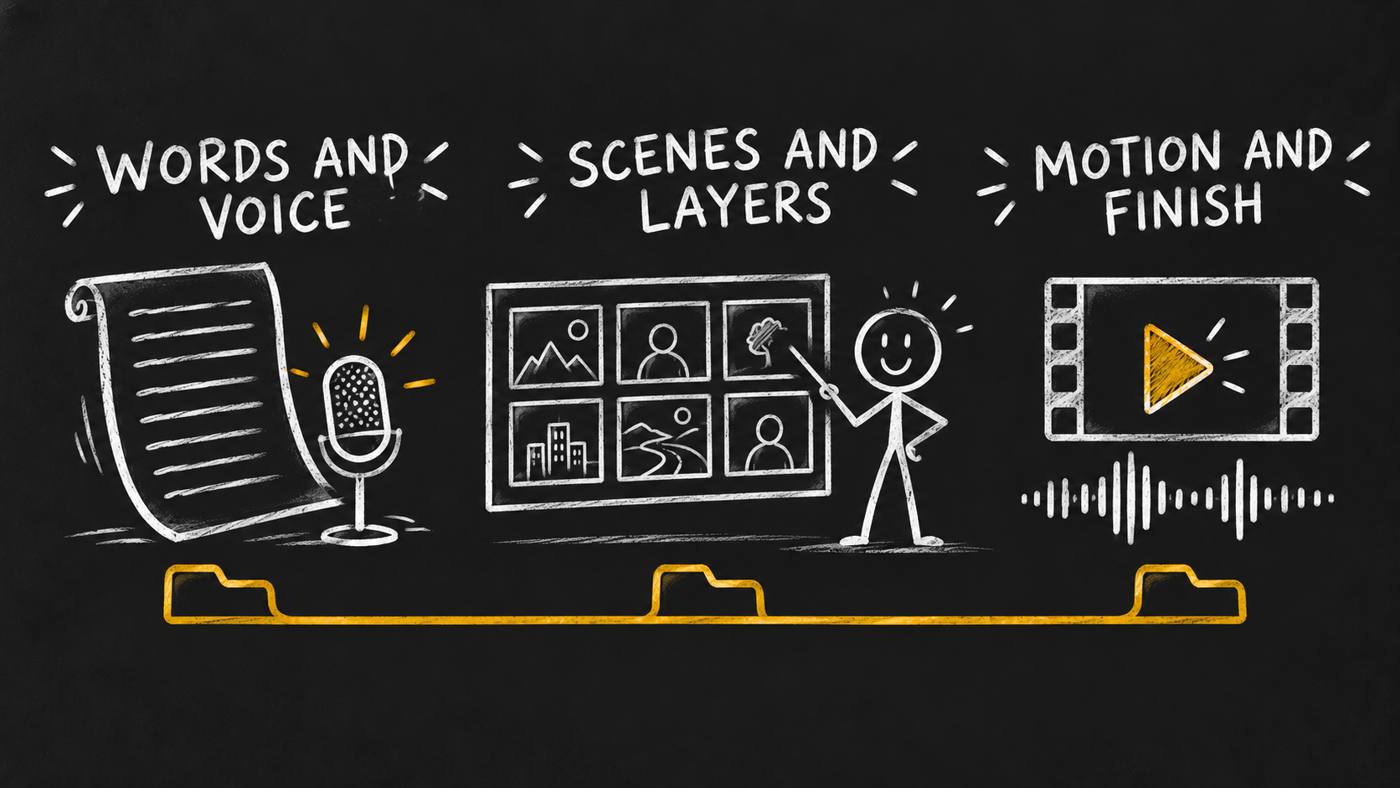
- Chalkboard Explainer
- Sets the visual explanation and narrated delivery rules.
- Copy Engine
- Shapes the exact spoken words for the lesson.
- Video Director
- Directs measured speech beats, scenes and camera moves.
- Explainer Illustrations
- Plans the scene art and layers the action needs.
- HyperFrames
- Animates the layers and owns visual transitions.
- Video Editor
- Finishes sound and subtitles. Requires version 0.1.2 or later.
Video Producer is the existing production role. I use this factory for its preparation and stage acceptance layer. Image, voice, animation and editing tools must be available in your environment.
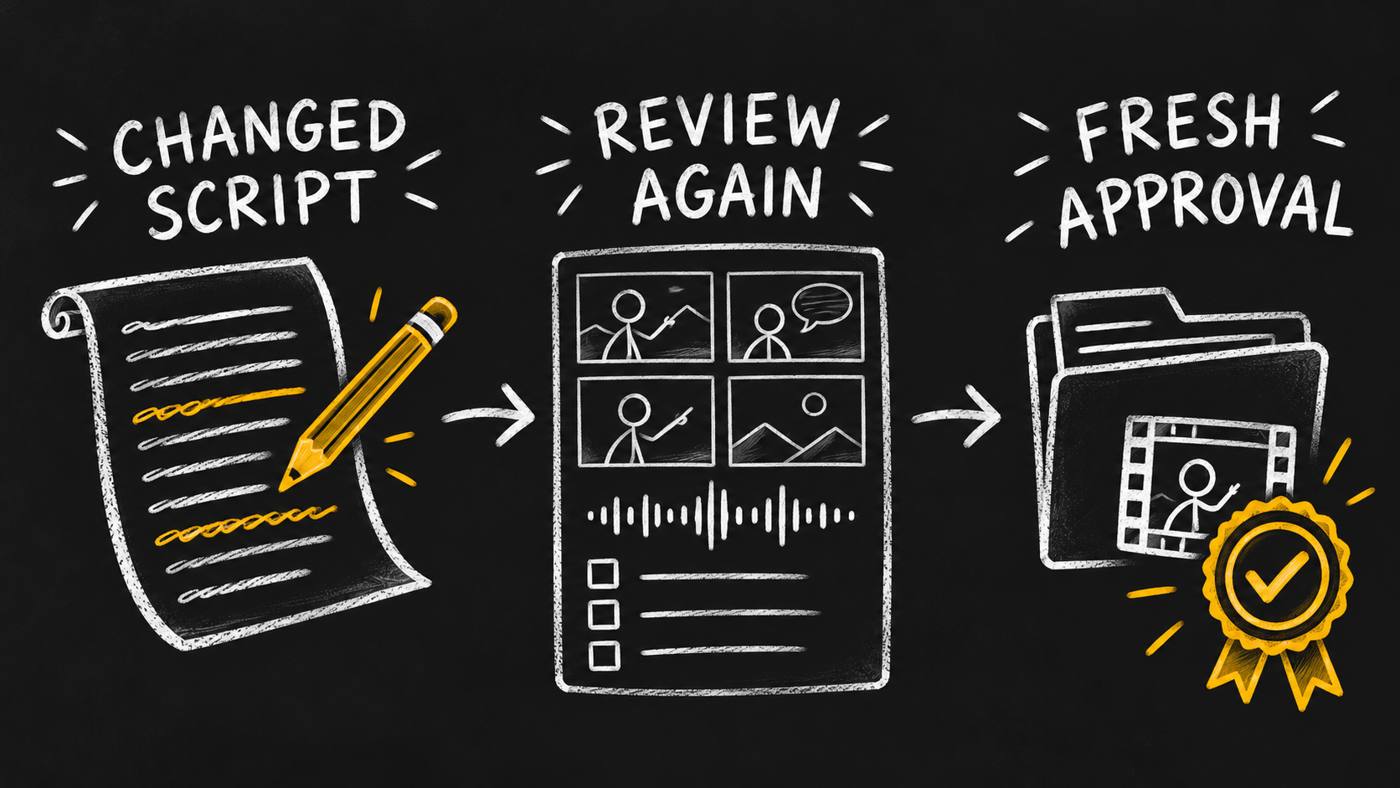
Recheck a changed input
The local controller tracks stage state, input fingerprints, approvals and peer checks. A changed script makes dependent work stale. Reopen the affected stage and rebuild what relies on it.
Keep files and hosted links together
One video card and one production folder carry the job. Register generated images, audio and video in the media index. When hosting is authorized, keep returned URLs, verify hosted bytes, merge the full media list into the card and read it back.
A technical pass, a completed directed action and human creative acceptance are separate results. The controller checks evidence; people still judge whether the film teaches well.
Bring the sources and the approver
- One published skill, its current version and a clear lesson goal.
- A named approver for the brief, voice, storyboard and art.
- The local peer tools, licensed audio and fonts.
- Time to review the kit, rough motion and final film.
Public beta, with an honest test boundary
Version 0.1.4 opened the earlier internal package to public beta. The announcement media patch adds these concept illustrations and marketplace copy. The workflow implementation stays the same.
Local controller controls, media command recipes and upload/readback checks passed before release. The hired-agent test is deferred until a product carries the skill. I claim no production-time benchmark or audience outcome.
Installing the factory supplies no generated film, hosted editor, bundled assets or automatic approval. Distribution is optional and separately authorized. These illustrations explain the process; they are not screenshots or finished-video samples.
Start with one lesson
Read the two-workflow walkthrough for an example brief and the handoff boundary. Need help deciding what your product lesson should show?
Discuss your video brief