
Turn your script into a chalkboard explainer
Plan your tutorial with approved narration, reusable drawings and camera moves that follow the idea.
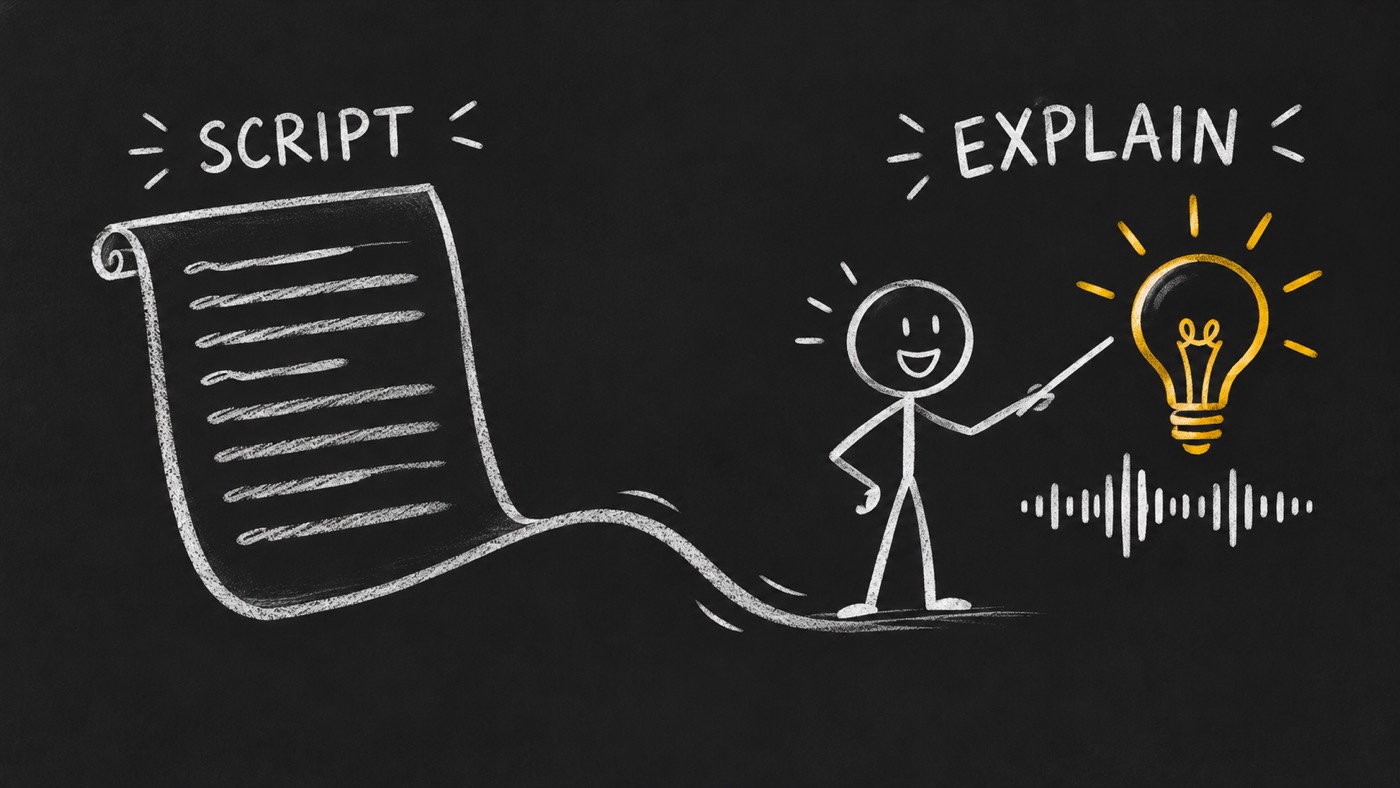
Put the story on the board
I made chalkboard-explainer to connect the spoken explanation to what you show. Start with a product walkthrough or lesson. Approve the brief and voice, then plan the art and camera beats around measured speech.
@di-atomic/chalkboard-explainer is guidance for an agent working with specialist tools. It helps you prepare a reviewable production pack. Image, voice and rendering tools must be available in your working environment.
Create a narrated chalkboard explainer from this approved script.
Approve what the viewer will hear
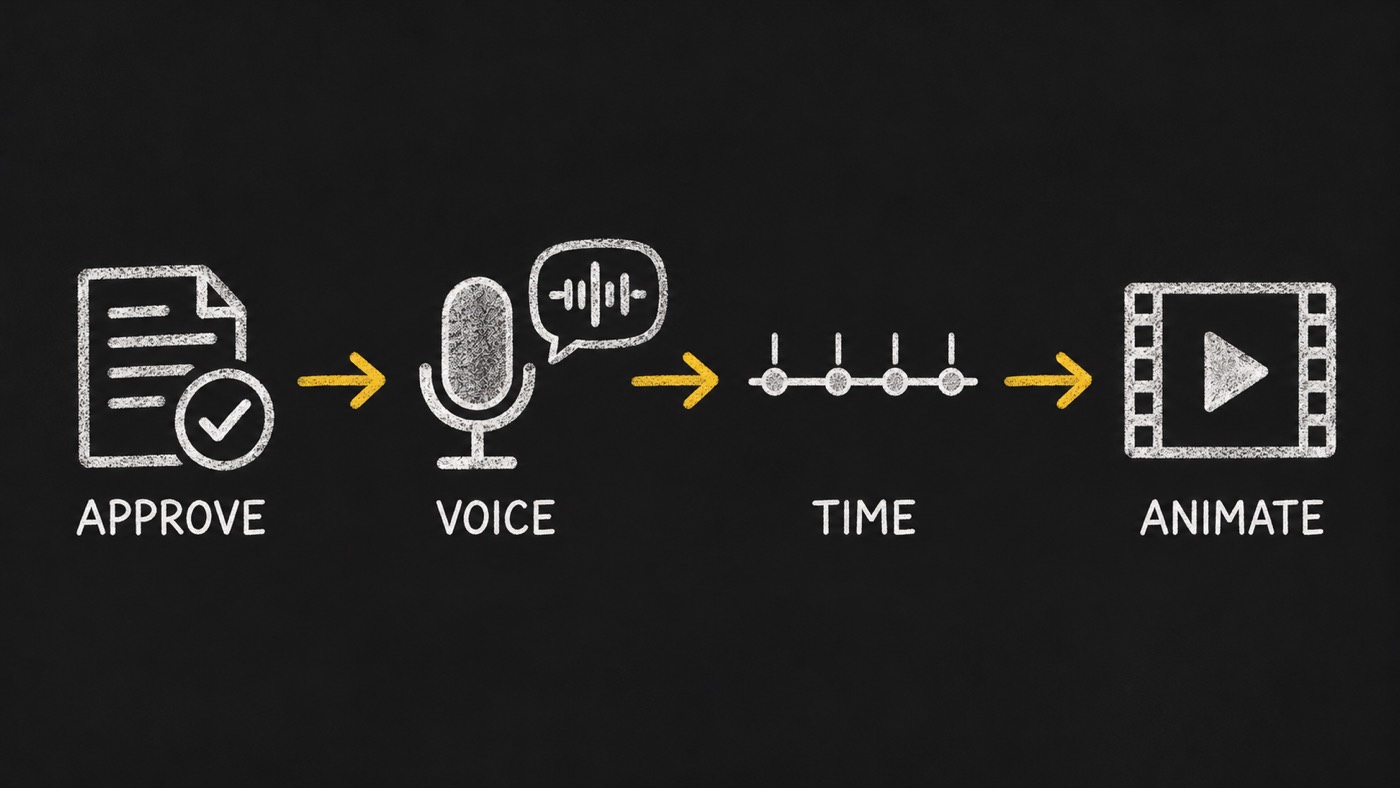
Review the scenario, voice script, screen text, sources, assets and audio together. Record a pronunciation map for brand names. Approve the voice before final animation timing.
Make the narration set the pace
Measure the recorded speech. Fit the scene beats to its actual timing and keep subtitles aligned. Silent studies have a separate mode and label. They do not count as finished narrated videos.
Make each drawing carry an idea
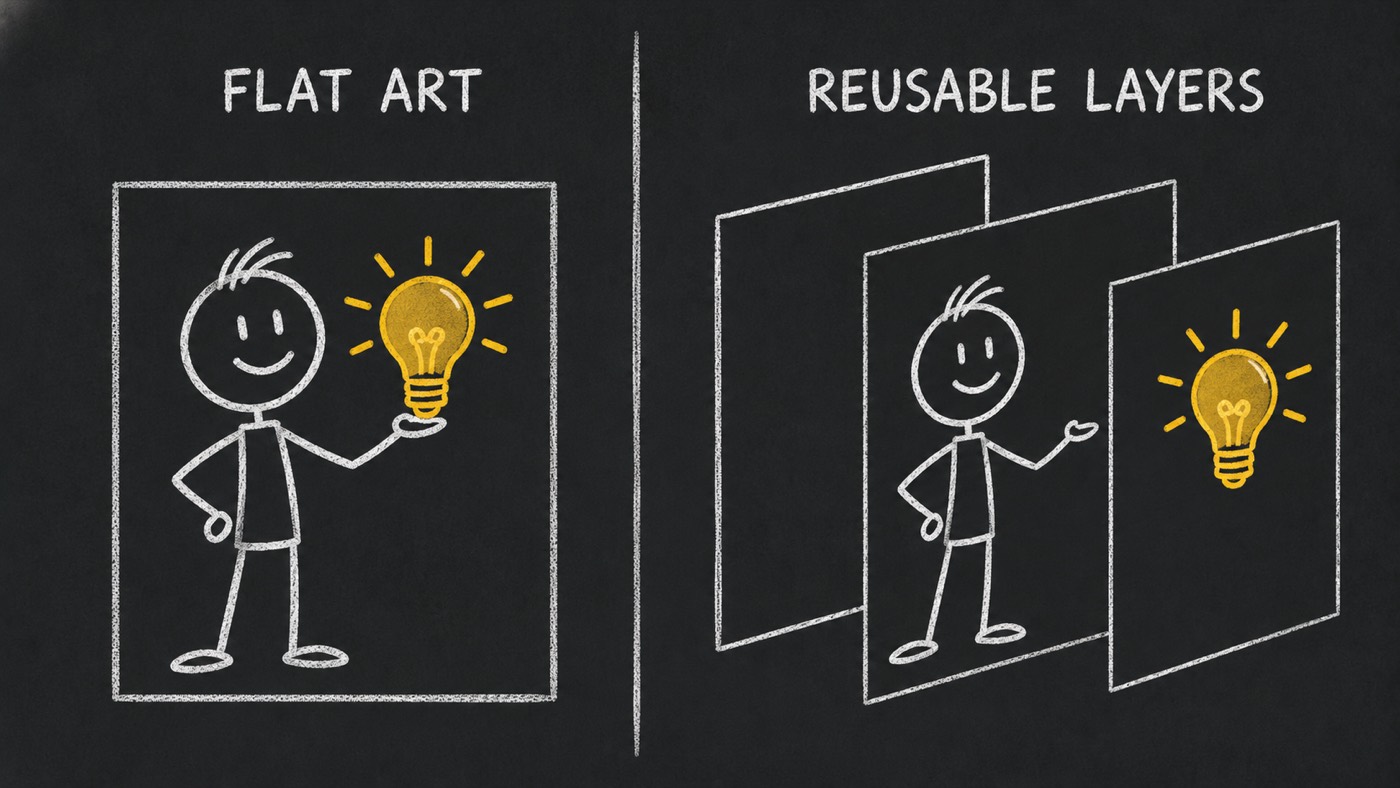
Reuse useful art. Prepare a clean board plate, complete actor poses and separate props. Check their size and contact with the board. A transparent file still needs a visual check for clipped shapes and rough edges.
Move the camera when the meaning changes
Name the target and framing for each move. Use a push to focus attention, a reframe to connect ideas and a hold to let the viewer read. Timing bands are starting points. A justified move may sit outside them.
Review the pack before delivery
The package includes five recipes and five local checks. They check the inputs an agent can measure. Watch the full video and listen to the mix before signing off.
| Check | What it examines | What still needs review |
|---|---|---|
| Layer assets | Required board plate, files, dimensions and actual compositing. | Complete poses, clean edges and useful art. |
| Scene plan | Named camera moves, targets, framing and scene timing. | Whether a camera move helps explain the idea. |
| Project pack | Required project inputs and limited visible-background source checks. | The rendered board texture and full visual result. |
| Motion assertions | The supported HyperFrames assertion shape and enabled sampling. | Readability and collisions between sampled moments. |
| Narrated acceptance | Silence, subtitle coverage, audio levels and recorded listening review. | Pronunciation, meaning, voice quality and the final viewing experience. |
Choose the right delivery mode
A narrated delivery must meet speech, subtitle and audio checks. Label a silent study before sharing it. A clean master keeps explanatory text and graphics while leaving burned-in subtitles out.
Follow the specialist handoffs
I keep this guidance focused on the explanation. The specialist tools own asset creation, animation and final assembly.
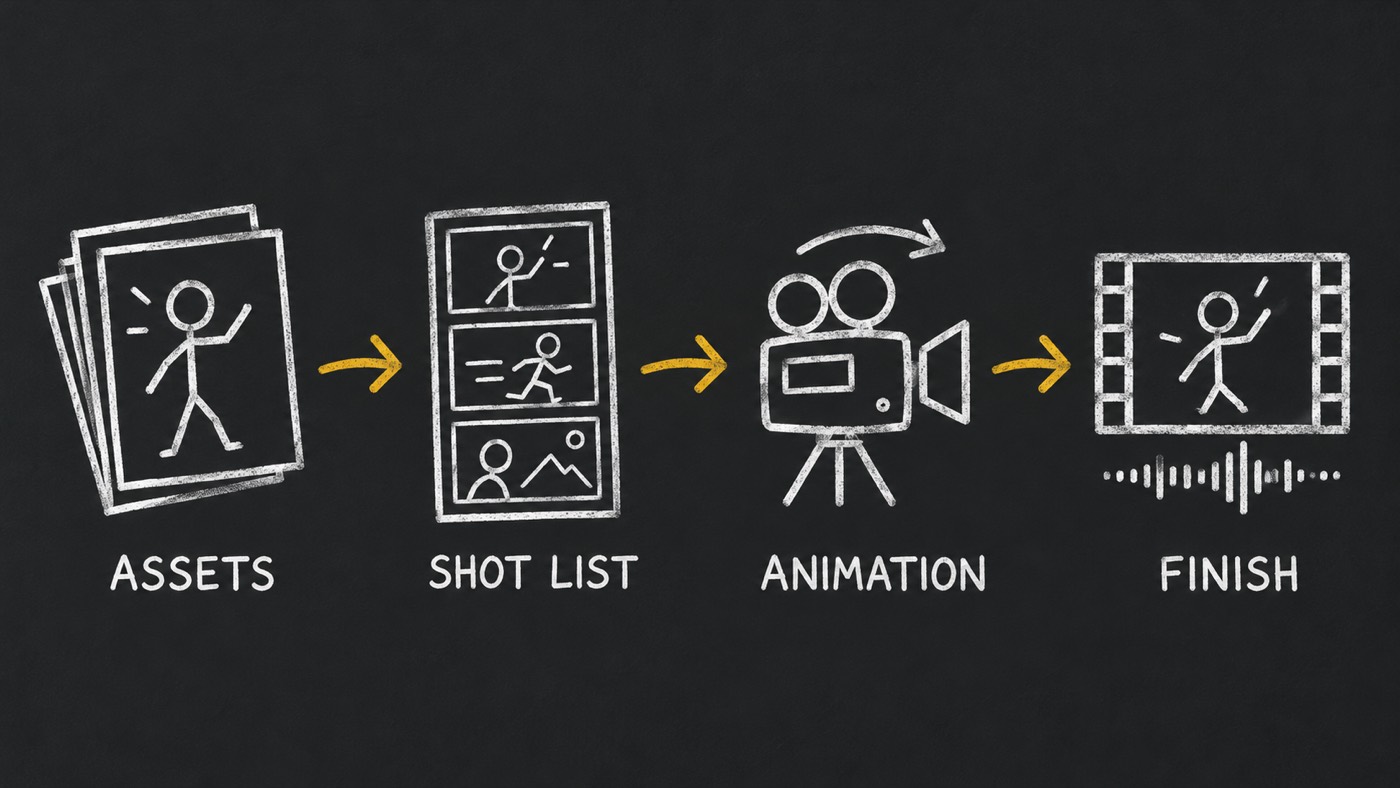
- Explainer Illustrations
- Plans what each illustration needs to explain.
- Media Generator
- Creates selected images, voices and other assets through the available runtime.
- Video Director
- Owns the shot list, speech fit and engine choices.
- HyperFrames
- Animates the approved layers and camera plan.
- Video Editor
- Assembles and checks the final video and audio.
What to bring
- An approved subject, source material and a brand approver.
- Licensed audio and fonts. The package ships neither an audio library nor video assets.
- Tools for the image, voice, animation and editing steps.
- Time to review the voice, stills and finished video.
What has been checked
The public beta release has retained local controls and checks on two existing projects. These receipts test package checks and project inputs. A hired-agent test is deferred until a product carries the skill. I have no verified production-time benchmark to quote.
Illustrations on this page explain the workflow. They are not screenshots, finished-video samples or evidence of a measured outcome.
What the guidance does not provide
No hosted video editor, automatic approval, bundled licensed music or guarantee of a finished film. Human review remains part of the workflow.
Bring your script to the next walkthrough
Start with the subject and the one thing you want the viewer to understand. I use the brief to connect the words, drawings and camera before the full render.
Need help choosing the approach for your product or tutorial?
Discuss your video brief