
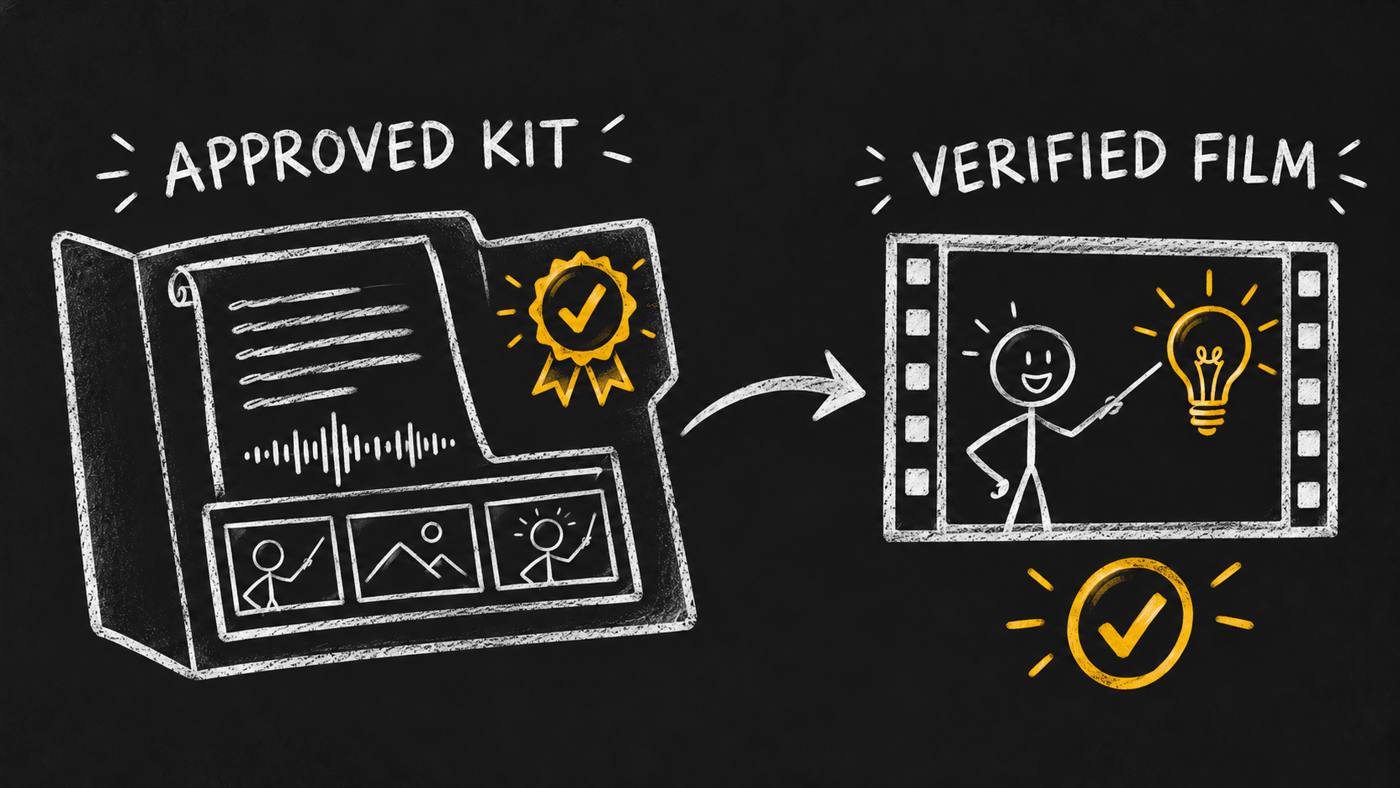
2 workflows turn your approved kit into a verified chalkboard film
Your product is ready to explain. The script is in one file, the voice in another, and the approved drawings sit in a chat. Before you animate, you need to know which parts are current and who approved them. A polished frame cannot answer that question.
I made Skill Launch Video Factory to connect those decisions. It guides an agent through two workflows: prepare an approved kit, then produce a verified chalkboard film from it. Version 0.1.4 makes the factory a public beta. The earlier 0.1.3 release was internal. This release opens access and makes the instructions portable; it does not claim a new animation engine.
Here is how I use the workflow, what you need to bring, and where human review still matters.
Prepare before you animate
The first workflow turns your source material into a kit someone else can use. Start with one published skill, its actual version, a video card and a named approver. Research what the skill does. Separate facts you can show from ideas that still need proof. Then agree on the viewer, the lesson and the exact spoken words.
The voice comes next. Record it, listen to it and approve pronunciation before you lock the scene timing. The measured recording becomes the clock for the storyboard. An estimate of how long a paragraph might take is not the same input.
Direction gives each spoken beat a visible job. Choose the scenes, drawings and camera targets. Prepare complete poses and separate props where the action needs them. A flat reference drawing may explain the style while still lacking the layers needed to animate a pointing arm.
The kit ends this first workflow. It carries the approved script, recording, timed storyboard, scene references and prepared layers, with checks and a useful handoff. Finishing the kit is a real stopping point. Production starts in a separately authorized session.
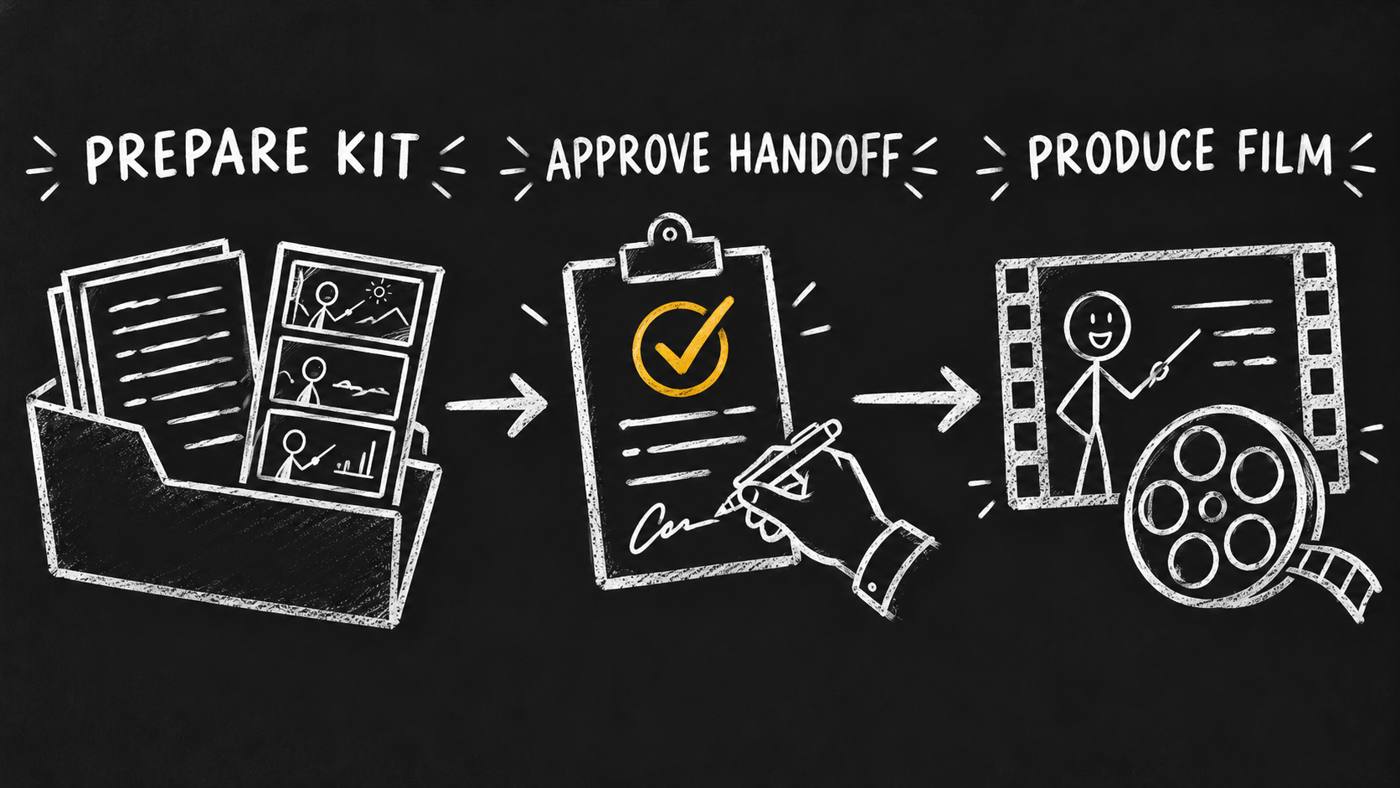
Give the next session a concrete handoff
Imagine you want a short lesson about one feature of a published skill. This is an illustrative request, not a completed customer run:
Use skill-launch-video-factory on the video card.
Subject: one published skill and its current version.
Goal: explain one feature with a narrated chalkboard lesson.
Approver: the person who owns the lesson.
Scope: prepare the approved kit, then stop before animation.
Your agent begins by reading the card and the current project state. It works through research, brief, voice, direction and illustrations. Approval requests name the material under review. The handoff records which files passed and which decisions the next session must preserve.
That is the useful output: a pack you can inspect. You can read the script, play the voice, review the stills and check whether the proposed action is possible with the supplied art. You can ask for a change while the film is still cheap to rethink. I have no measured time-saving benchmark to attach to that benefit.
Produce from the approved kit
The second workflow consumes that kit. HyperFrames handles the scene animation and visual transitions. A rough motion cut gets reviewed before finishing. The agent checks the directed actions and the joins between scenes, including the difficult camera move that preparation was meant to prove.
Video Editor handles the sound and subtitle finish. In this route it receives one motion video; visual transitions stay in HyperFrames. The required Video Editor floor is 0.1.2, which supplies known-stem ducking and configurable caption controls. The actual installed peer and the resulting files still need checks.
The delivery includes captioned and clean films. Clean means without burned-in subtitles; it can still contain explanatory text and drawings. Full-speed viewing and listening remain part of acceptance. A technically valid file can still have a confusing scene or a poor spoken line.
Follow the specialists
I keep the factory focused on stage order, approvals, files and evidence. Chalkboard Explainer supplies the explanation and delivery rules. Copy Engine shapes the spoken words. Video Director owns direction, while Explainer Illustrations plans the scene art.
The available image and voice tools create the selected assets. HyperFrames animates them. Video Editor finishes the film. Video Producer is the existing production role; this factory adds its preparation and stage acceptance layer. Installing the factory does not supply those tools or make a hired production agent appear.
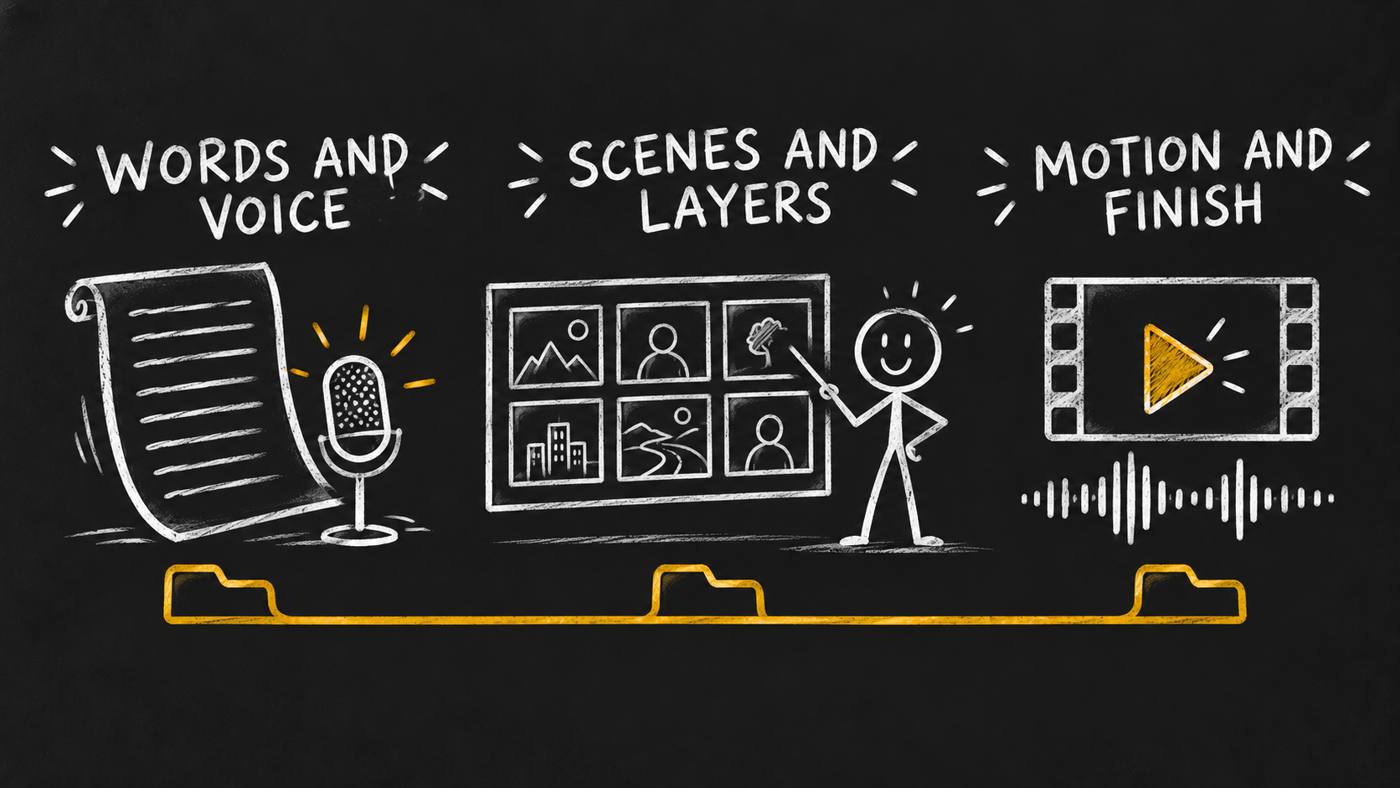
Keep the evidence with the files
One video card and one production folder carry the job. The factory tracks stage state and checks for missing or stale inputs. If the approved script changes, dependent work needs review again. An old approval must not silently bless a different recording or storyboard.
Generated images, audio and video belong in a media index. When hosting is authorized, keep the actual returned URLs and verify the hosted bytes. Merge the complete media list into the video card and read it back. A checkpoint alone does not mean every media URL has been saved.
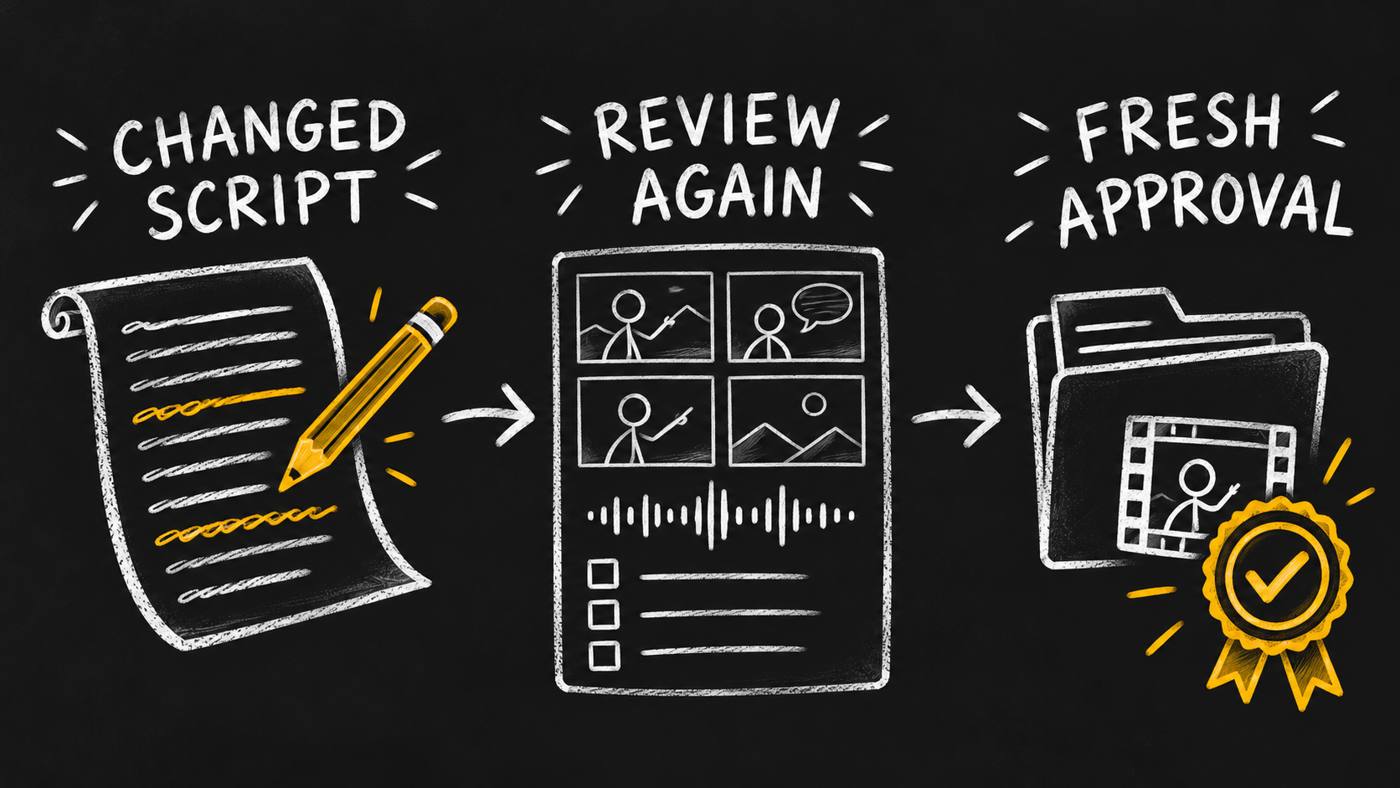
I distinguish three results here: a technical check passed, the directed action happened, and a person accepted the creative result. Each answers a different question. The controller can reject missing evidence, but it cannot decide whether a viewer understands your lesson.
Start with one lesson
Bring approved source material, an approver and the tools needed for the local workflow. You also need rights to the fonts, music and other assets you use. Public beta does not mean a hosted editor, bundled media or automatic creative approval. The hired-agent test remains due when a product carries the skill; I am not claiming that test or audience results here.
Get Skill Launch Video Factory on the marketplace. Start with: “Use skill-launch-video-factory on the video card. Prepare an approved kit for this published skill.” Review the kit before authorizing production. Sharing the final film is a separate decision with named destinations.