
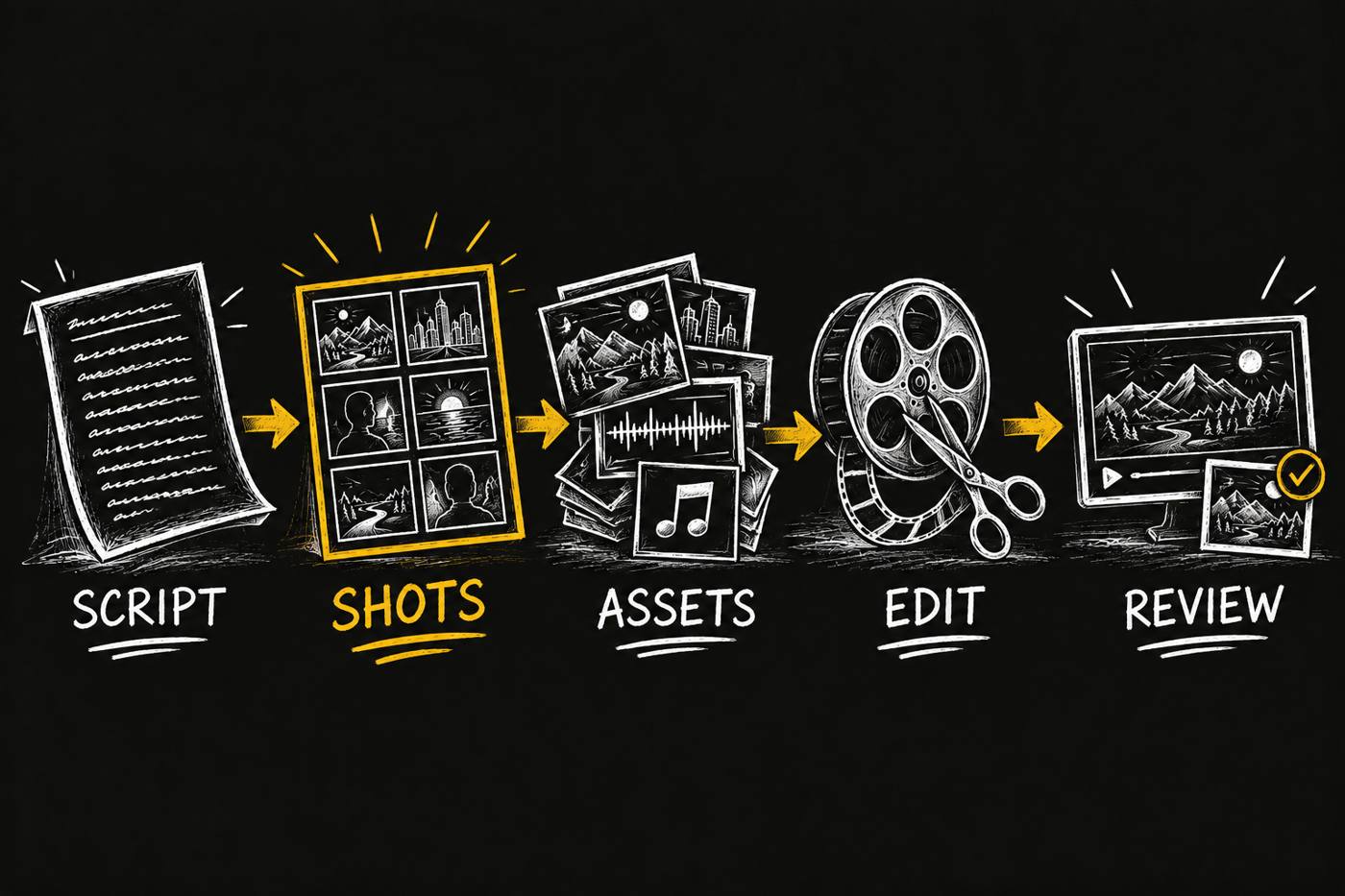
I built Video Producer to give your agent a production crew. Give it your approved script. It plans the shots, makes the assets, assembles the edit and prepares the thumbnail. You keep the final cut.
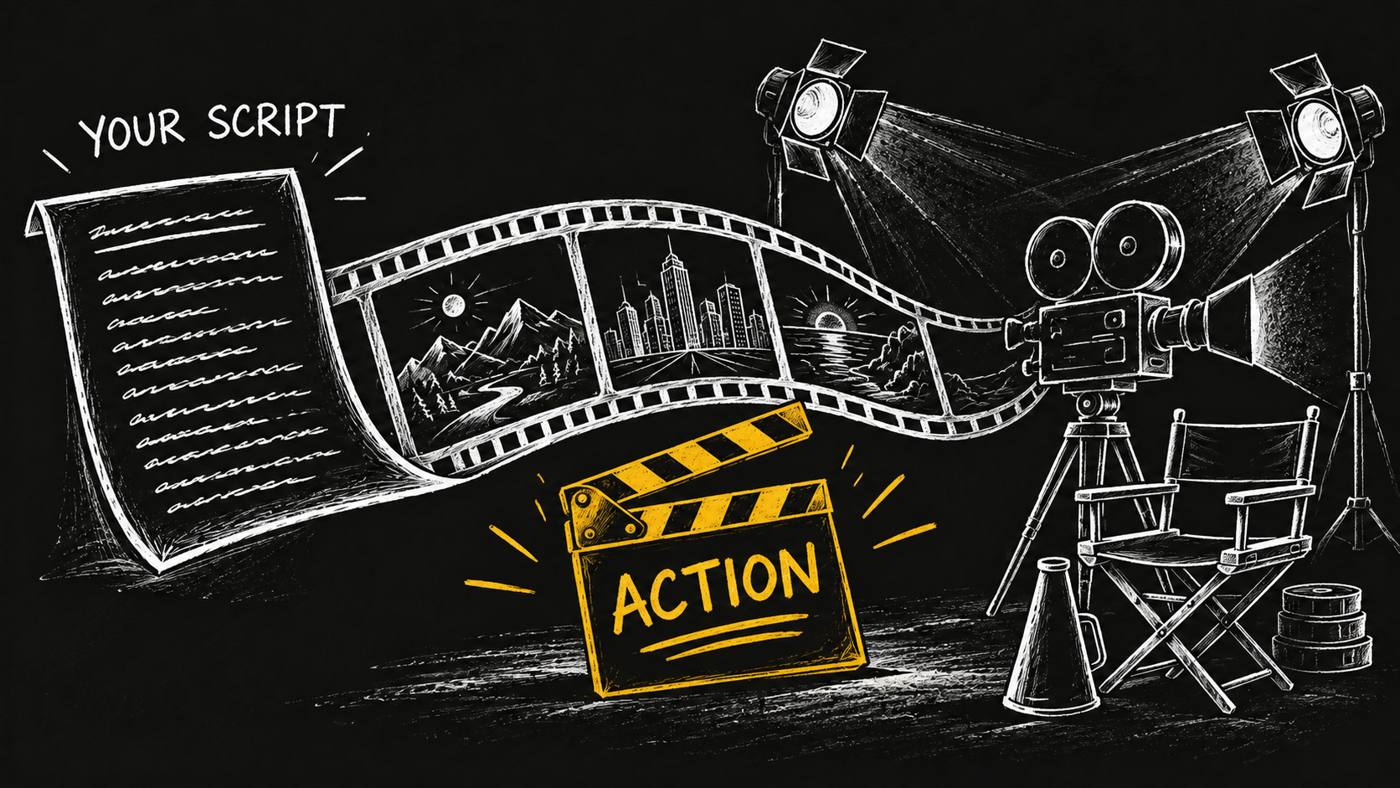
For content leads turning approved scripts into product launches, explainers and brand stories.
What if your AI agent had a little Spielberg in it? Your script already carries the story. I give the agent a method to carry it through production: shots, assets, edit and thumbnail, with the results returned to your task card.
client-intake
Confirm your brand, approved script, channel and rights to supplied assets before production begins.
board-loop
Claim the card, record each stage, attach the result and hand the production back for review.
produce-video
Plan the shots, make the assets, assemble the edit and check the thumbnail and finished file.
render-failure
Search for the intended asset after a timeout and record what happened before deciding the next step.
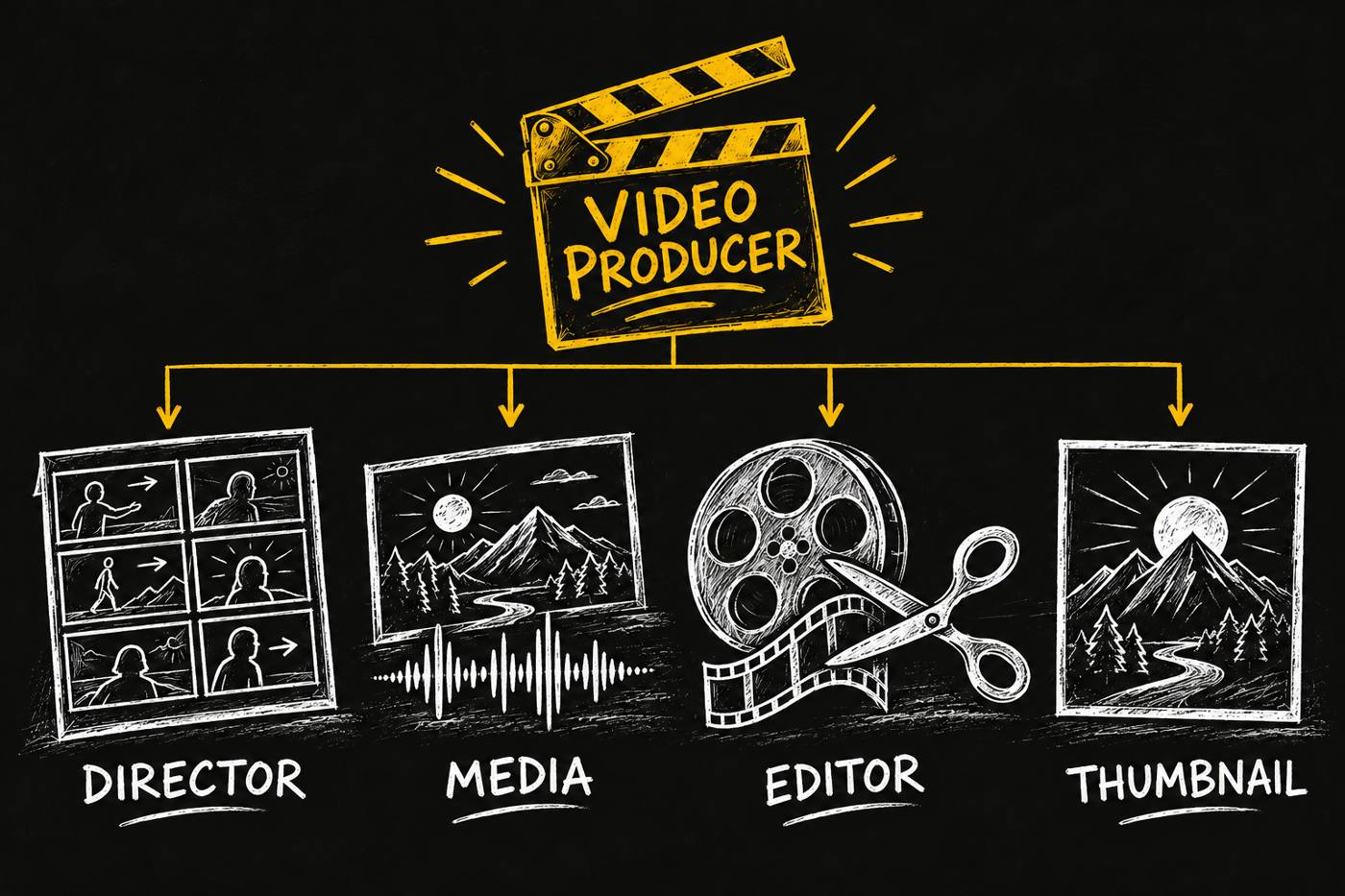
The producer follows 6 craft guides and calls 6 services for coordination and assets. You hand over the production job; the role coordinates its crew.
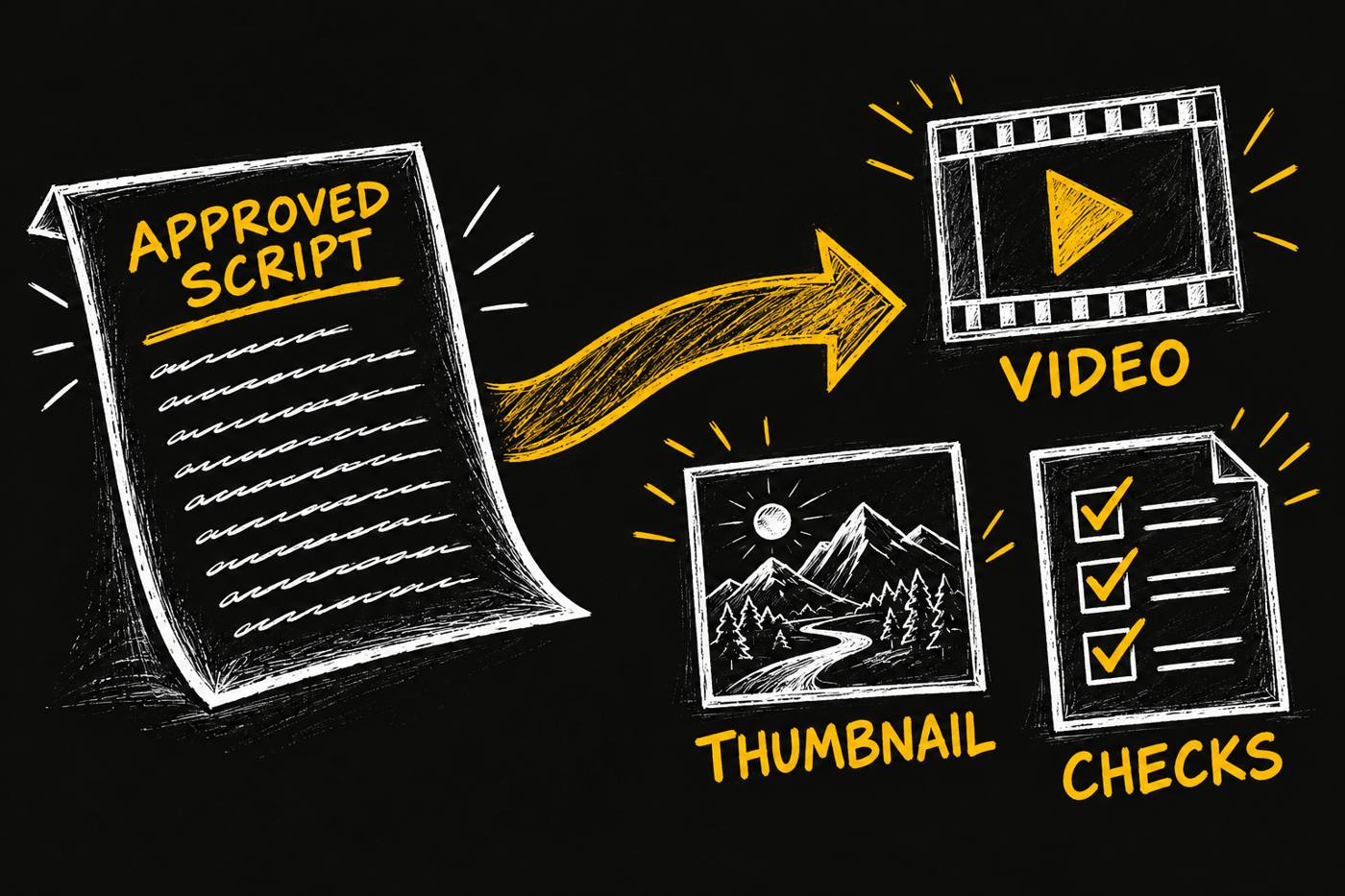
opvs-skills install @di-atomic/video-producerStart with an approved script on a card, the channel you are making it for, your brand references and the assets you have rights to use. Ask: Produce the video from this approved script. Return the video, thumbnail and check results for my review.
Beta, with no measured turnaround time, cost saving or audience-performance promise.
I use the same planning and production skills to build these launch assets. This page’s four illustrations were planned as a set and made with Codex imagegen, following the runtime rule. The hero is shared with the blog and marketplace.
Talk through your production workflowExplore Video Director and Video Editor.