
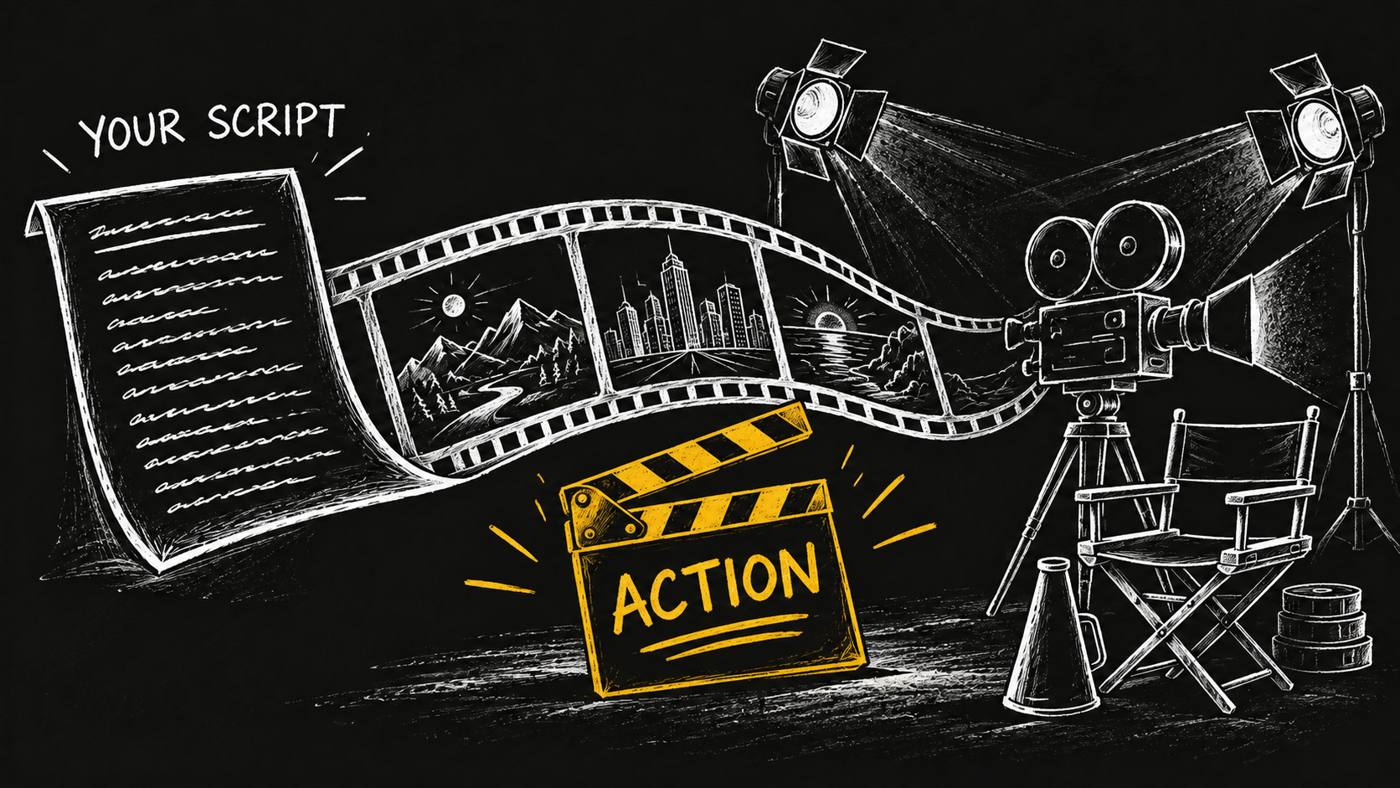
Your script. Your AI film crew. Action.
What if your AI agent had a little Spielberg in it?
You have the script. You can see the opening shot. You know the moment the music should lift, the product should appear, and the viewer should understand why it matters. Then you open a folder full of clips and remember how much work stands between the page and the screen.
A video needs a crew. Someone has to plan the shots, find or make the assets, put the edit together and choose the image that makes people press play.
I built Video Producer to give your agent that production job. Hand it an approved script on a task card. It takes charge of the shot list, assets, edit and thumbnail, then brings the result back for review. Here is what that handoff looks like, and where your creative control stays.
Give your script a crew
A great film is more than a camera pointed at a page. The same holds for a product launch, a short explainer or a brand story.
Your script says what happens. Production decides how the audience sees and hears it. Which shot carries the point? Does the voice have enough room to finish? Which visual belongs under that sentence? Will the thumbnail still make sense when it is small?
I wanted one role to own those questions through to delivery. Video Producer gives your agent a working method for the whole production, with specialist skills behind it.
The Spielberg reference is about the ambition of calling “action” on your own story. The capability here is concrete: taking your approved words through a planned production to a finished video you can review.
The crew behind the curtain
Production begins with your approved script. The producer reads the card and confirms that approval before any paid render.
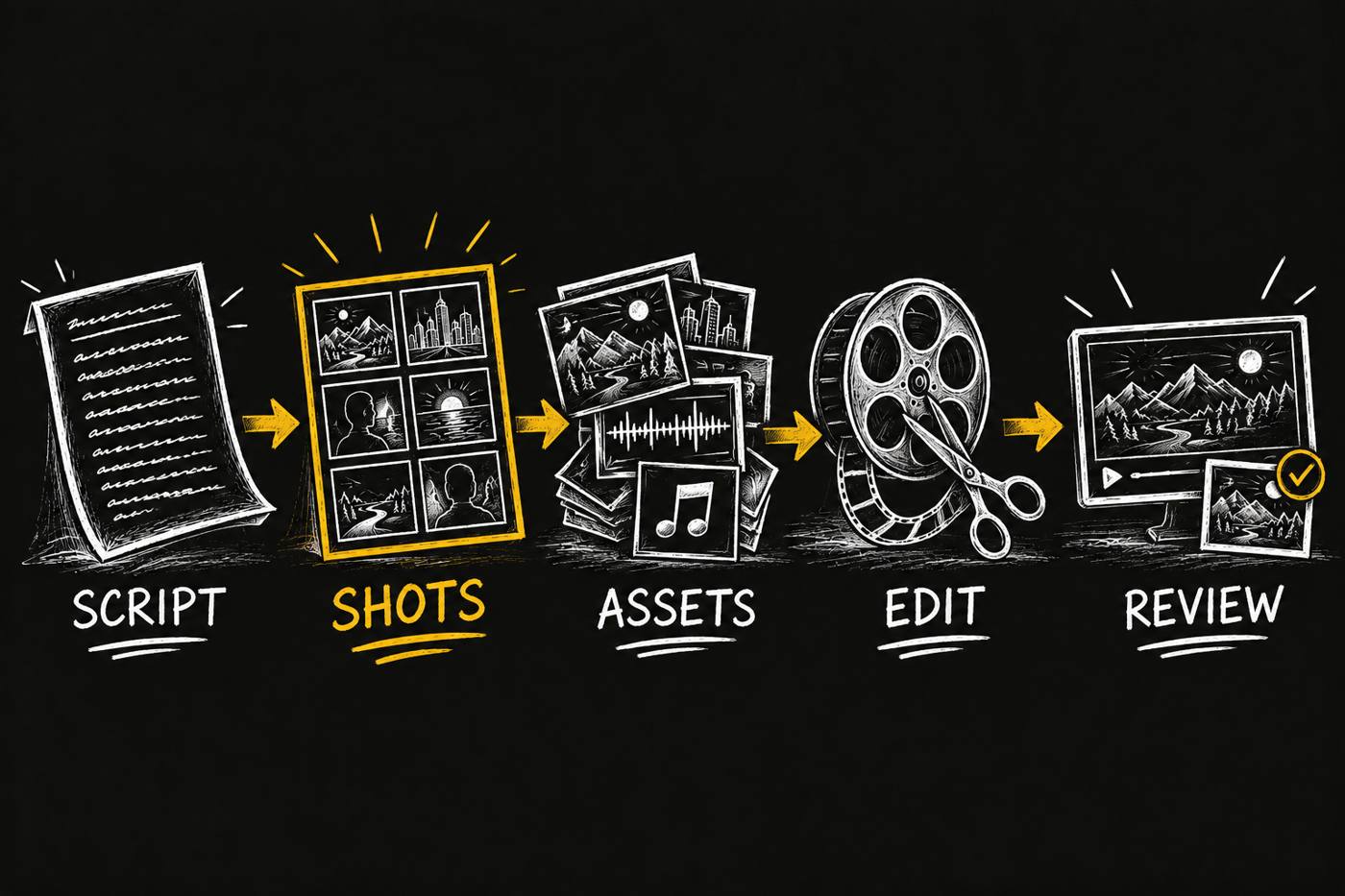
Then it makes the shot list. Think of this as the crew's shared map. Each beat gets a visual, a duration and a way to make it. If your brand already has a measured template for this kind of video, that template guides the structure.
Next come the assets: generated clips, stills, voice and the supplied footage the brand has permission to use. The producer follows the planned shots, then assembles the edit and checks the finished file. It also makes and checks the thumbnail.
The work stays visible on the card as it moves through those steps. You can see whether the job is planning shots, making assets, editing or ready for your review.
A launch video, from page to screen
Suppose you have approved a short script for a new product. It opens with a familiar frustration, shows the product solving it and ends with an invitation to try it.
Your task card includes the script, the intended channel, your brand references and the assets you are allowed to use. That is the starting brief. This is an illustrative example of the workflow, rather than a claim about a completed customer production.
The producer turns the opening into a shot, assigns visuals to the demonstration and leaves room for the closing words. If a spoken beat is too long, it sends that beat back to the writer with the word count that fits. Your approved message does not get quietly rewritten to rescue the timeline.
For a product demonstration, the producer checks on-screen feature claims against a fact sheet that cites the released product's source. A striking shot still has to tell the truth about what you sell.
After the assets are ready, the producer builds the edit, checks the file and prepares the thumbnail. You get the finished work and its check results on the same card where you approved the brief.
One role, specialist skills
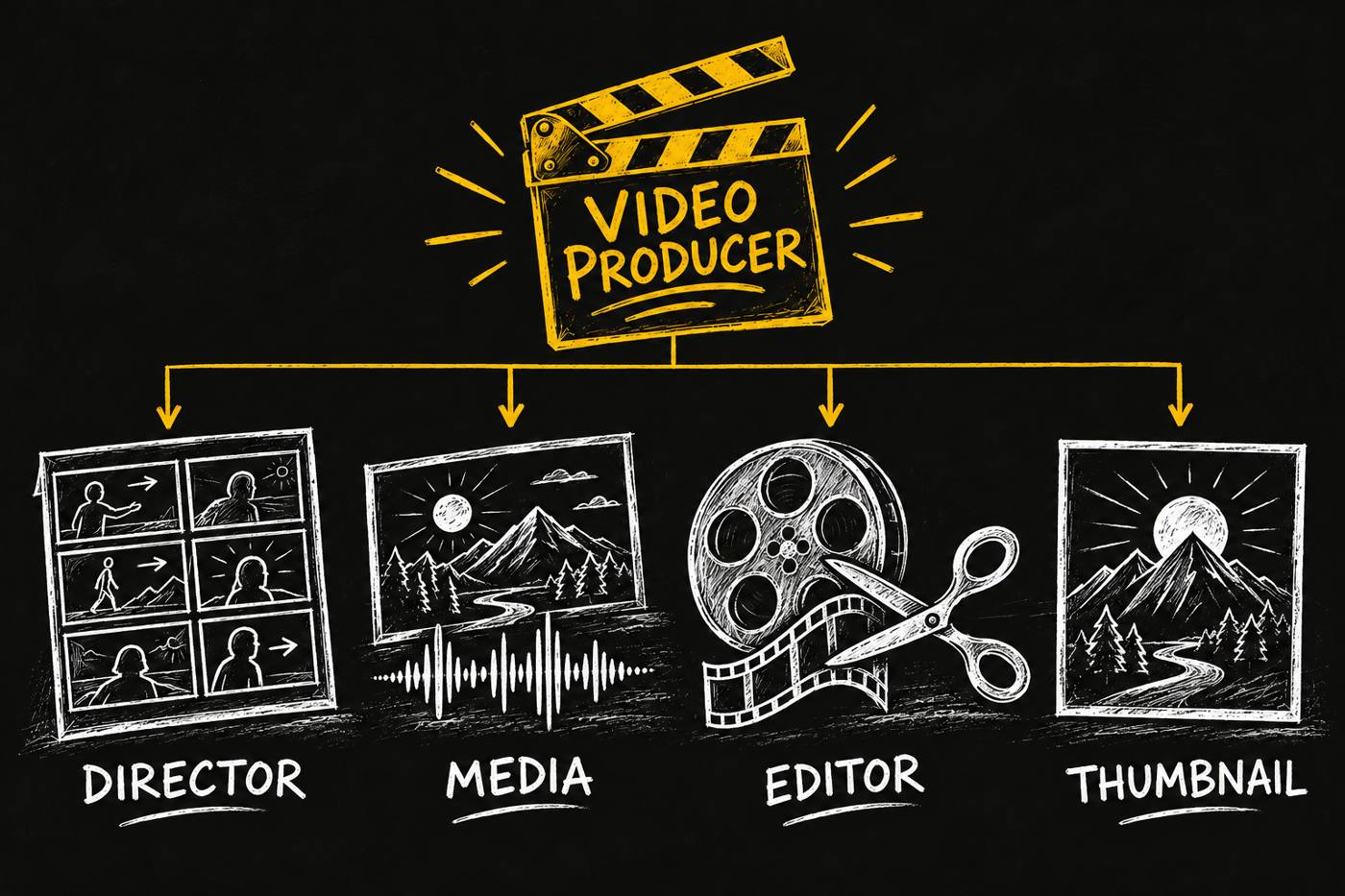
I give the producer a crew of skills with distinct jobs.
Video Director turns the script into a timed shot list. Media Generator guides the prompts and asset choices. Video Editor assembles the finished video and runs the file checks. Thumbnail handles the cover image and checks it at the size people will see.
Video Analyst supplies a measured structure when a suitable template exists. Video Researcher supplies the cited product facts when the video needs them. The producer coordinates that work through the task card, so the handoff does not depend on you remembering which specialist had the last file.
You hire the production role. The specialist skills supply its working methods.
What lands back on your card
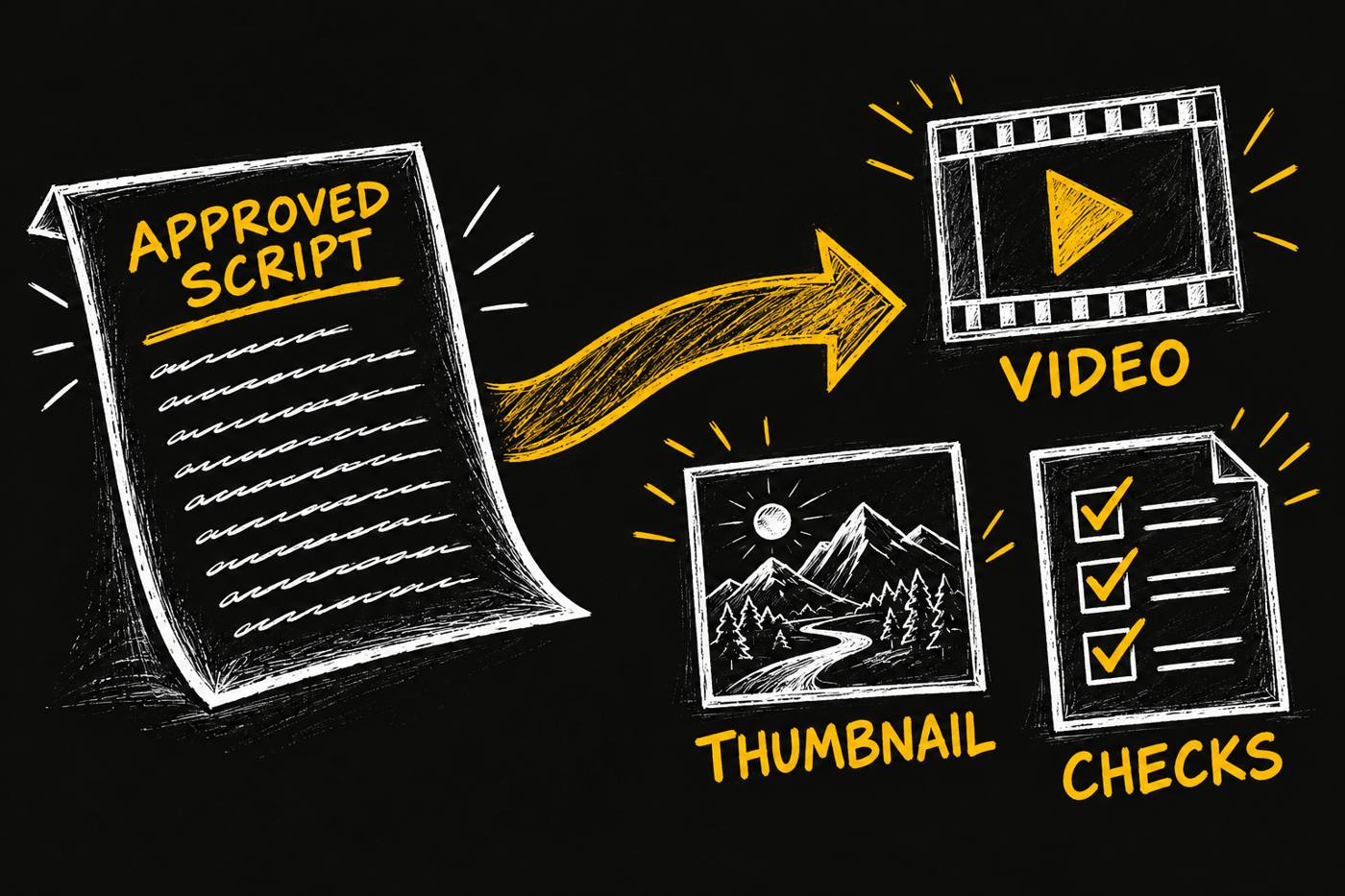
The handoff includes the video, the thumbnail and the full PASS or FAIL output from the relevant checks. The producer completes its stage and moves the card to review.
Those results give you something specific to inspect. A successful render by itself says little about whether the finished file meets the delivery requirements. The check report belongs beside the file.
There is also a practical rule for paid generation. If a render times out, the producer searches the asset catalogue before generating it again. A lost response can leave a completed asset behind. The producer looks for that asset before another render is ordered.
You keep the final cut
This role has clear boundaries. It does not write or rewrite your script. It does not post or schedule the finished video. It does not use footage, faces, voices or logos that your brand has no right to use.
I am launching it as a beta profession. I have no measured turnaround-time or campaign-performance result to promise here. What ships is the production method, the specialist coordination and a reviewable handoff.
Bring a script you are ready to make. Give your agent the crew to make it.
Explore Video Producer, available as @di-atomic/video-producer on the OPVS marketplace. Start with: “Produce the video from the approved script on this card. Return the video, thumbnail and check results for my review.”