
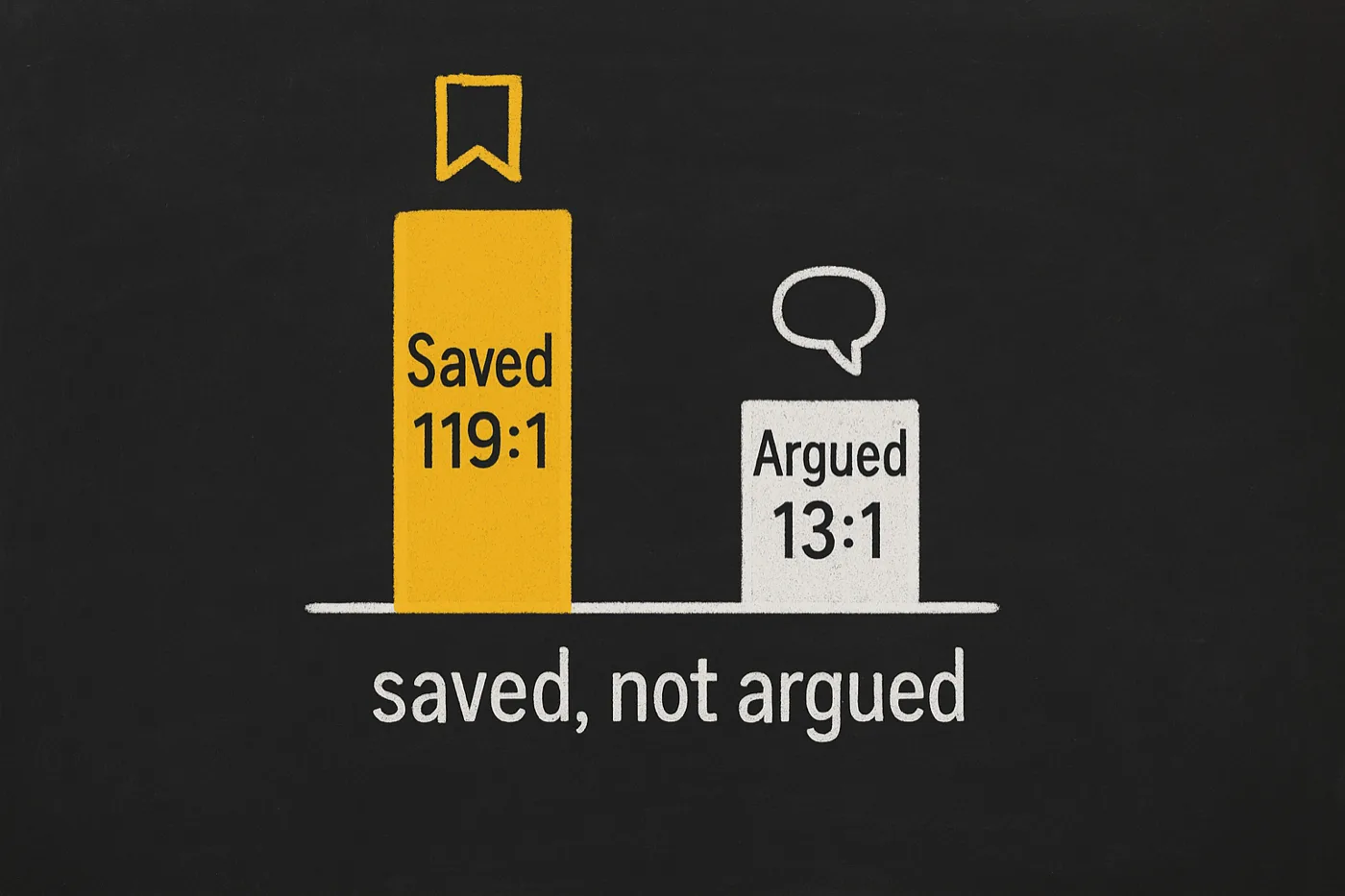
Wallpaper gets scrolled. Explainers get saved 119 times per comment.
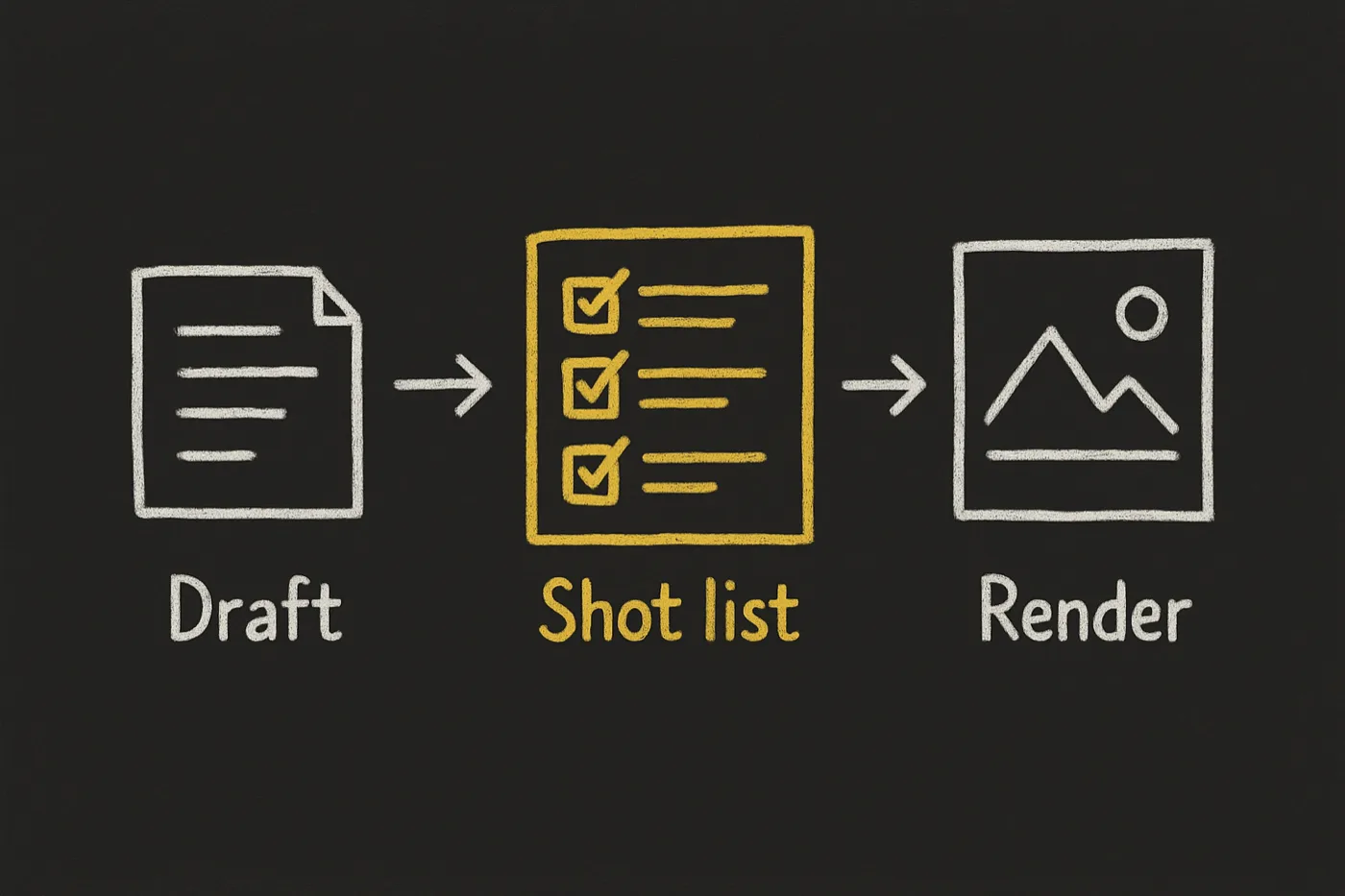
On the boards where people rate explainer graphics, the clear ones get saved roughly 119 times for every comment. The clever, arguable ones run nearer 13 to 1. Same topic, same effort — one got understood, the other started a fight. That gap is decided before anything renders, so this skill plans the whole set first and hands off the drawing.
For people who publish on a schedule — articles, case studies, release notes, decks — and are tired of paying an image model to make their own writing easier to skip.
opvs-skills install @di-atomic/explainer-illustrationsThen say: “illustrate this article” or “what should we illustrate in this post”.
A better prompt was never the fix
“make a nice image about lead gen”

  anchor:      none
  placement:   wherever
  structure:   whatever it felt like
  style:       different every call

→ a glowing funnel
→ an abstract mesh of dots
→ five images, five looks
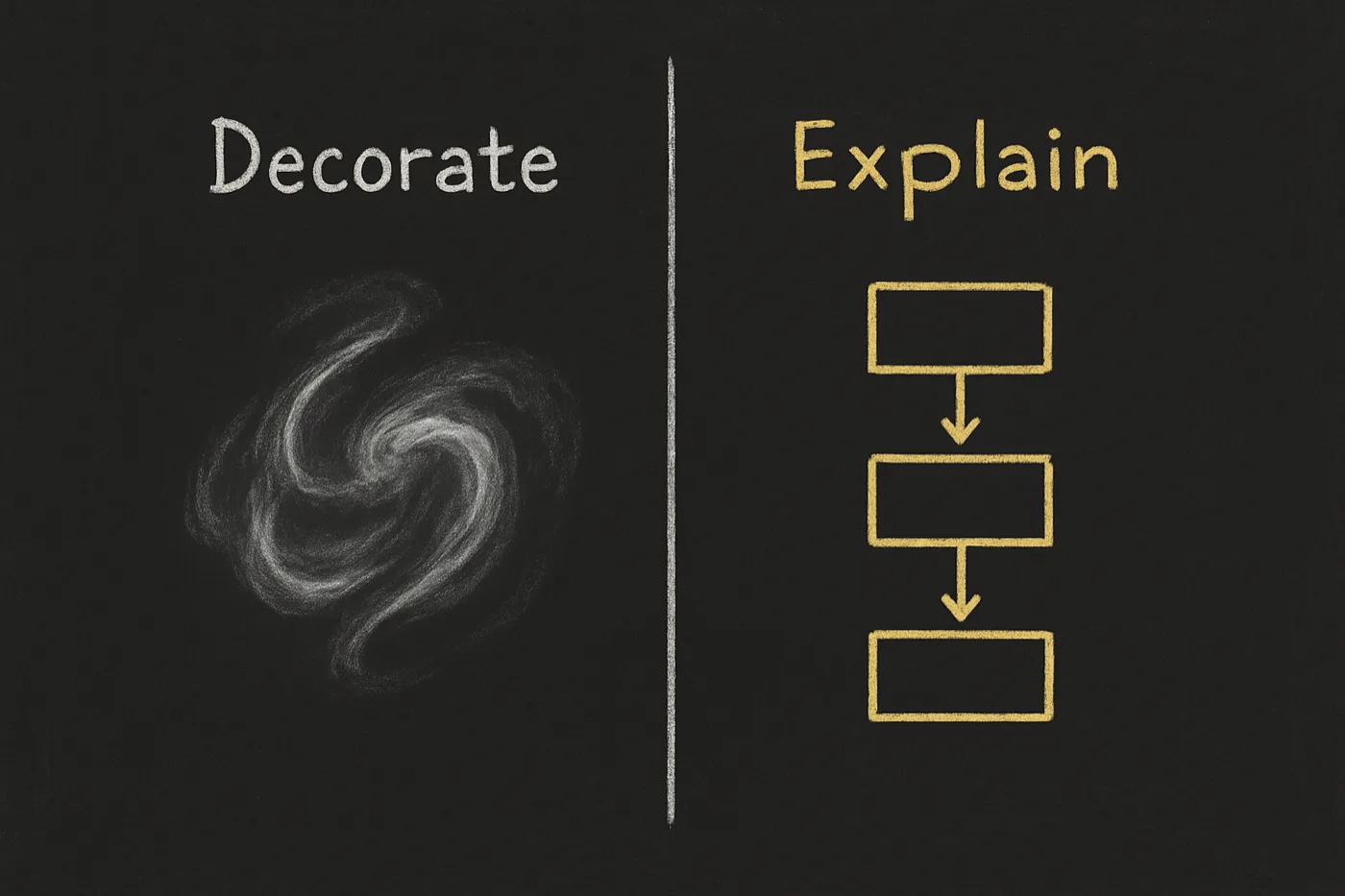
Beautiful and empty. It decorates the page and quietly tells the reader this section is safe to skip.
read the finished draft → shot list

  anchor ....... one idea per image
  placement .... after section 2
  structure .... before-after
  style pack ... locked across the set

  verify-anchor-presence ...... PASS
  lint-decorative-vs-explanatory PASS
  verify-brand-fidelity ....... PASS

→ only now: hand to media-generator
Every prompt leaves with a job to do, and the whole set reads as one argument instead of five stock images.
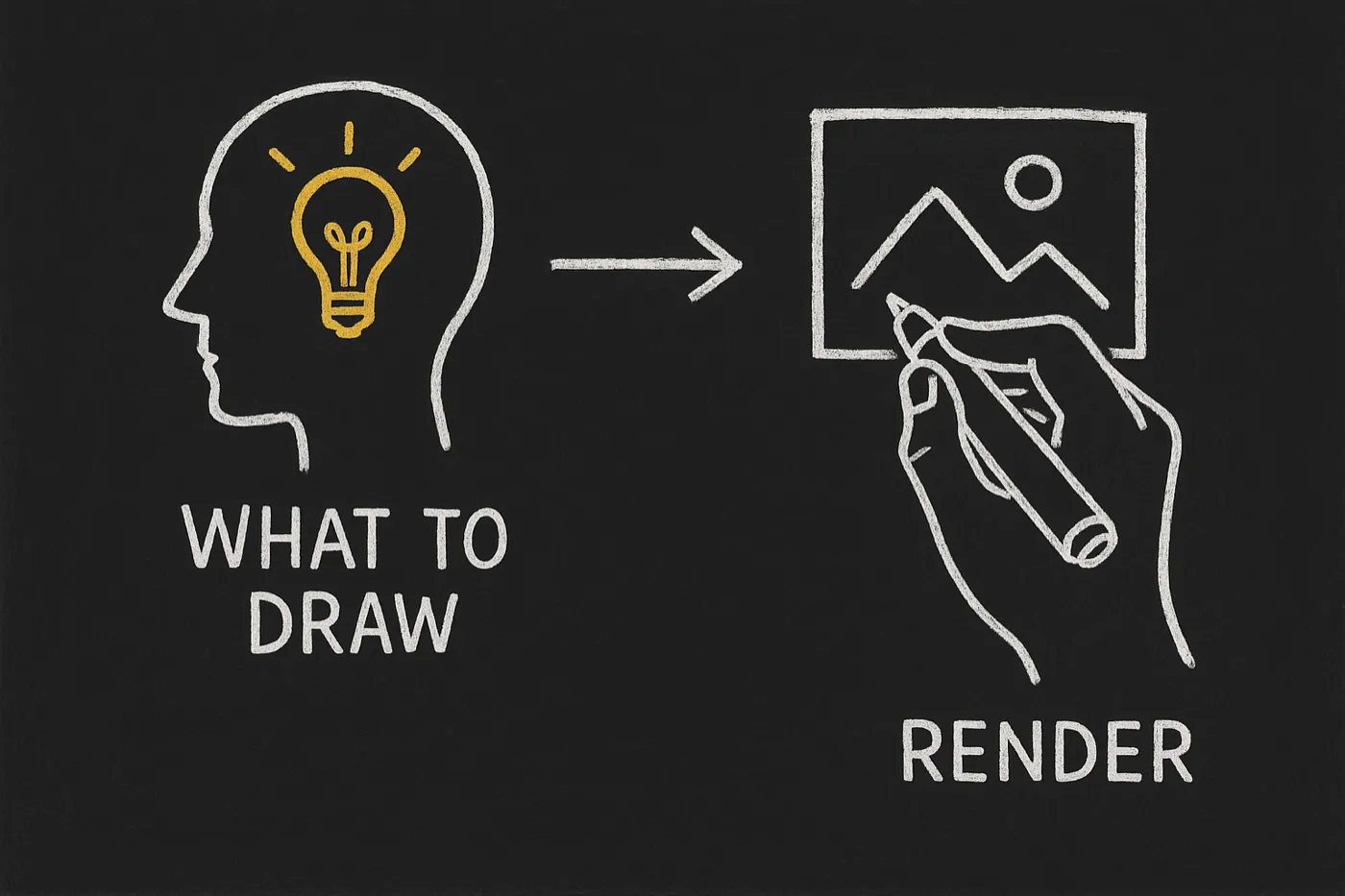
The intelligence was never in the image model. It is in deciding what to draw.
What you actually get
One idea per image, enforced
Each shot is built around a single cognitive anchor that maps to a real paragraph in your source. Five ideas crammed into one busy diagram is the banned wallpaper pattern, and lint-decorative-vs-explanatory.mjs catches it where it hides — in prompts led by beautiful and stunning with no explanatory verb anywhere.
It will not invent your brand’s look
My own agent once made up a navy-and-amber palette it had never seen, rendered a text-only prompt, and produced exactly the generic slop I was trying to avoid. Now brand resolution is a hard stop: pull the real tokens, look at your existing illustrations, pass one as a reference image. A branded plan with an invented hex fails the build.
A claim gate for regulated topics
Text inside an image is still a claim. For REACH, CLP, biocide, SDS and GHS topics every annotation is checked against the claim vocabulary before a prompt is handed off — and official GHS hazard pictograms are never AI-rendered, only referenced. Most illustration tools have no opinion here at all.
The two ideas the skill is built on
One article, draft to handoff
> illustrate this article before I publish it

  recall brand ......... visual_style found: dark board, white chalk, gold accent
  reference image ...... one of your own illustrations, locked as the anchor
  anchors extracted .... 4 — not 14

  shot 1  save-to-argue signal ...... before-after   16:9
  shot 2  decorate vs explain ....... before-after   16:9
  shot 3  planner and hands ......... workflow       16:9
  shot 4  plan first, render second . workflow       16:9

  verify-shot-list-quality ..... PASS  4 shots, in band 4-8
  verify-anchor-presence ....... PASS  every anchor maps to a paragraph
  verify-brand-fidelity ........ PASS  reference image present, no invented hex

> handoff
  media-generator ... renders each shot, one locked style
  SpiderMedia ....... durable CDN URL per frame, never a base64 blob
Four anchors, not fourteen. Deciding what not to illustrate is most of the job, and it is the part a rushed prompt never does.
Where it stops
media-generator, so installing this adds no service to your stack — and it will not edit photos, build a design system, or invent a look for a brand that has none (it stops and asks). One honest limit: text baked into an image is reliable in Latin scripts only, so English, German, French and Romanian get in-image labels while Russian and Hebrew are rendered text-free with labels overlaid. Saying so is cheaper than you finding out.I built this by dogfooding the same stack I run for clients.
explainer-illustrations is one skill in the system behind Di-Atomic — the marketing & compliance agency that runs cognitoAI, SpiderIQ and OPVS. Every illustration on this page was planned by it. If you need content that ships on a schedule in any of our seven languages, including regulated categories like REACH and CLP where a careless label inside an image is a real exposure — that’s the day job. Let’s talk.
Book a 30-min call with Di-AtomicJust want the skill? Install @di-atomic/explainer-illustrations free.