
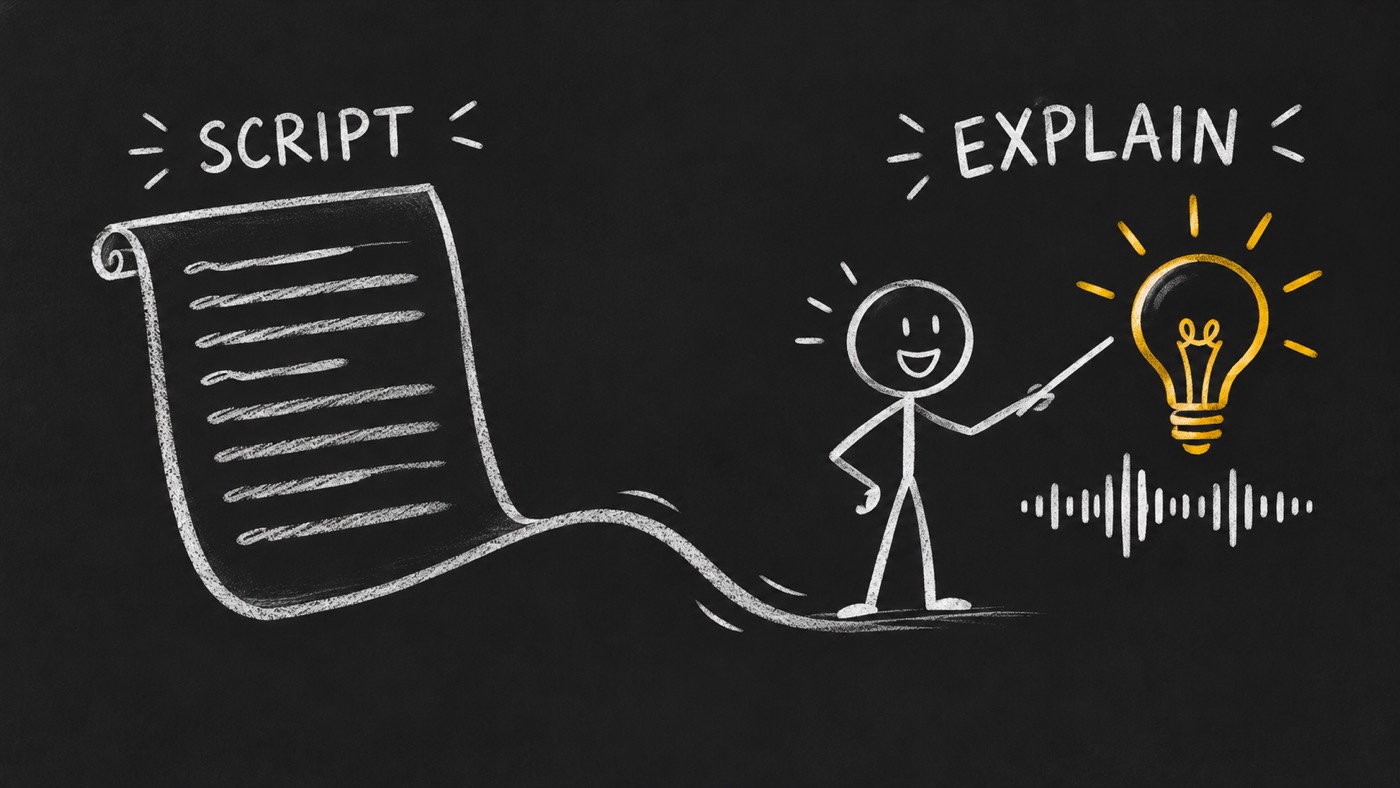
Explain your technical product in under a minute
You have a technical product. Or a skill that does something useful. You understand the parts, the choices and the edge cases. Now someone asks what it does, and you have less than a minute to make the idea clear.
That is the job I built chalkboard-explainer for: helping your agent turn technical knowledge into a short, narrated visual lesson.
The minute is the viewer's time. Producing a good explanation takes work before the first frame moves. You need to understand the subject, choose a story, write the narration, record the voice and prepare every visual element the story needs.
I want that work to follow a repeatable process, so quality depends on clear decisions and review points.
Start by understanding what you are explaining
A list of features is raw material. The story starts when you decide what the viewer should understand.
Take an agent skill that checks a document before it is sent. The technical description might name file formats, validation rules and output fields. A useful explanation could start with a simpler question: how do you catch a missing section before your customer sees it?
That question gives the video a purpose. Show the document, show the missing part, then show what the skill returns. Explain what happens when it cannot decide.
Before writing, I want the agent to read the relevant source material. What does the product actually do? What does it need as input? What changes after it runs? Where does its responsibility end?
If those answers are unclear, the storyboard is not ready.
Make a storyboard someone can follow
For a video under a minute, I would rather explain one useful thing well than rush through the whole product.
The storyboard turns that choice into a sequence. Each beat needs a job: establish the problem, show the action, reveal the result or explain a limit. It also needs a visual that earns its place.
For the document-checking example, a first plan might be:
A document arrives with an important section missing.
The skill compares it with the required structure.
The missing section becomes visible.
The person gets a clear finding and decides what to fix.
This is an illustrative story, not a result from a hired agent. It shows how a technical mechanism can become something a viewer can see and remember.
Write the words, then record the voice
The narration and the pictures should teach together. If the voice names a missing section, the viewer should be able to see which section it means.
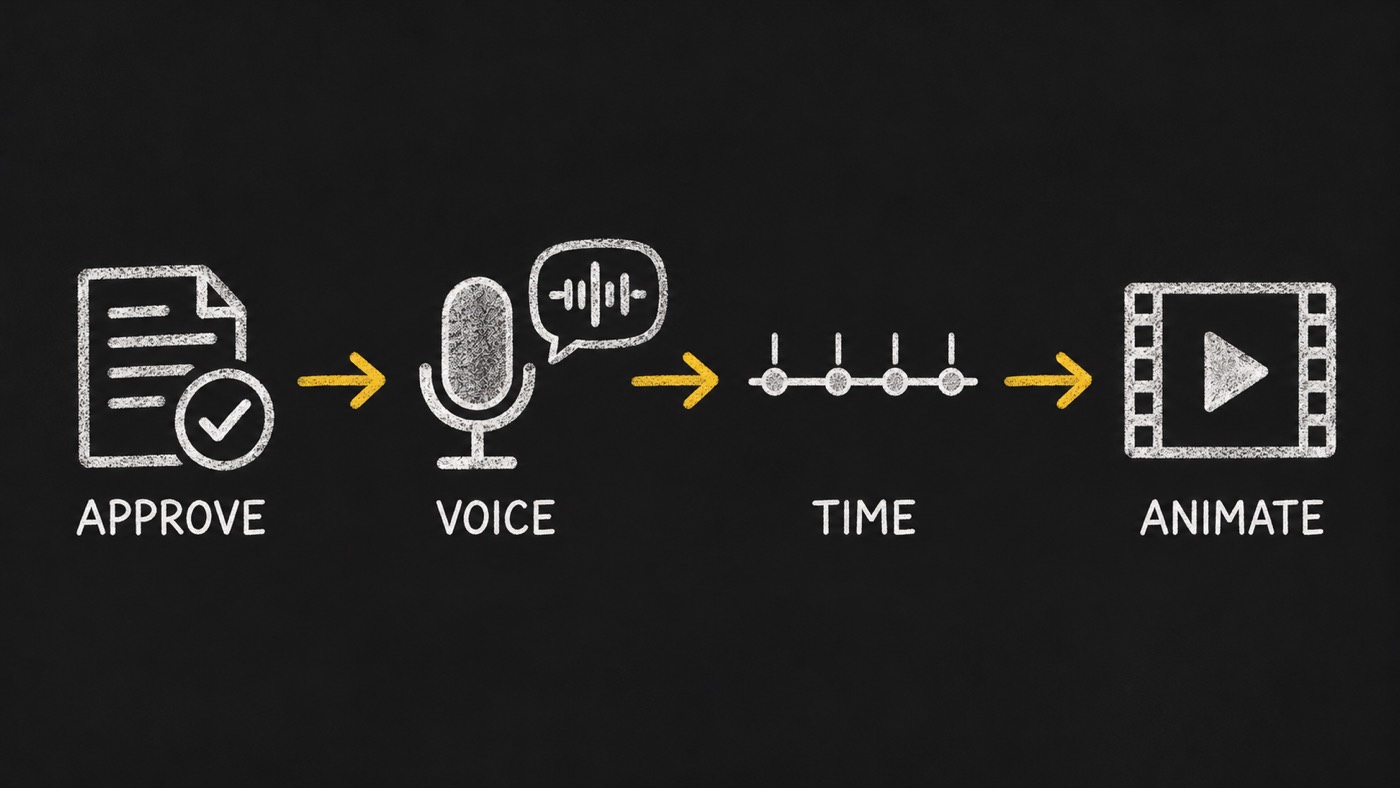
I review the spoken words, screen text, sources, assets and audio as one brief. That is where I want to catch a confused explanation. Changing a sentence here is easier to manage than changing the meaning halfway through animation.
Then comes the voice recording. Product names need a pronunciation map and an audition in context. A name that sounds right on its own can still sound wrong inside a sentence.
Once the voice is approved, measure the actual recording. Give the viewer time to hear the idea, see the action and read the text. If the story does not fit the target length, tighten the story or change the target. Racing the voice is a poor substitute for choosing what matters.
Create the elements the story needs
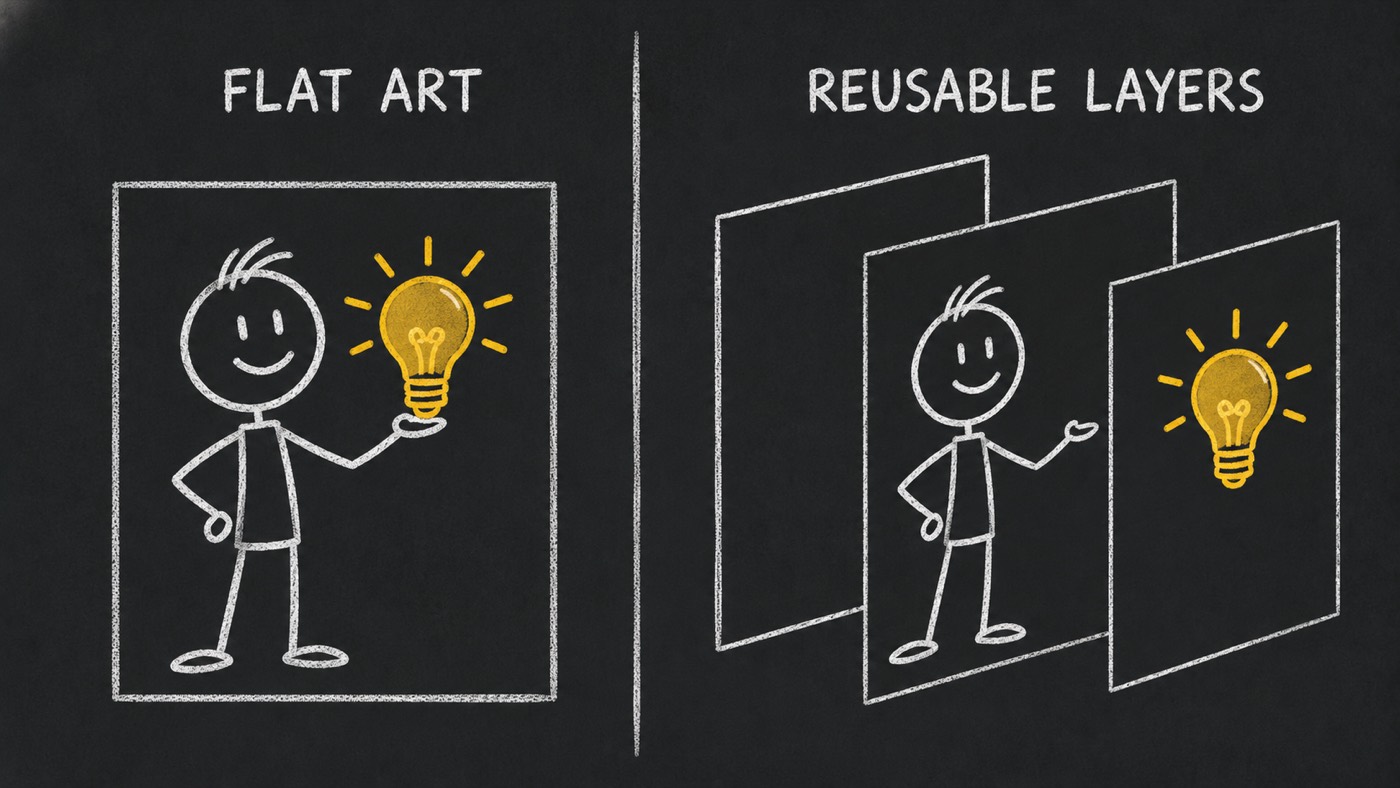
A finished illustration may look good as a picture and still be awkward to animate.
Suppose the teacher needs to point at a document, then move aside while the missing section is highlighted. The teacher, document and highlight need to move independently. A single flattened image gives you fewer useful choices.
I want a clean board plate, complete character poses and separate props. Reuse art that works. Recreate a missing element when needed. Check scale, edges and how objects meet the board before building the full scene.
The storyboard tells you which elements to prepare. The action tells you which parts need to separate. Every asset should support something the viewer needs to understand.
Use the chalkboard like a teacher
This teaching format has lasted well over a century. The Smithsonian documents blackboards teaching a broad range of subjects by the 1840s. A teacher draws something, names it and connects it to the next idea. You can watch the explanation take shape.
That is what I want to keep. A digital chalkboard adds choices such as prepared drawing layers, recorded narration, a close view of a small detail and a lesson the viewer can replay.
A camera push should help someone notice the important part. A reframe should connect ideas. A hold should give them time to read. Movement has to serve the explanation.
The aim is a focused lesson people can revisit, with the words and visuals working together.
Make quality part of the process
Consistent quality starts with deciding what must be checked each time.
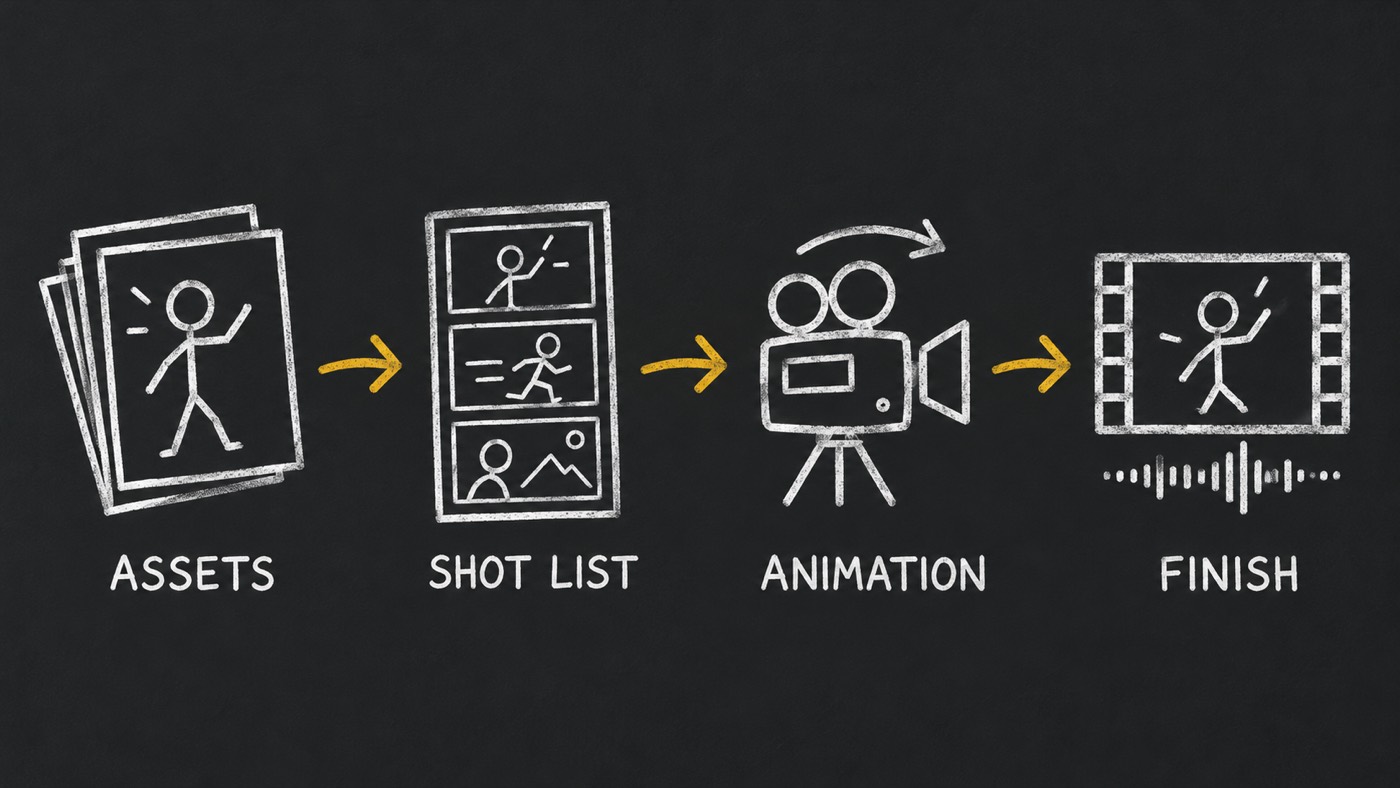
chalkboard-explainer includes five recipes and five local checks. They cover illustration assets, scene plans, project inputs, motion assertions and narrated delivery. A silent study stays labelled as a study. A narrated delivery needs speech, aligned subtitles, suitable audio levels and a recorded listening review.
Image and voice work goes to media-generator. Video-director owns the shot list, HyperFrames handles animation, and video-editor handles final assembly and checks. You supply licensed audio and review the result.
These checks cannot certify that the story teaches well. Someone still needs to watch the full video and listen to the mix. The real hired-agent test remains due when a product carries this skill, and I have no production-time benchmark to quote.
I want a short explanation that respects the viewer's time and the subject's meaning. That starts with understanding the product. The animation comes after the story is clear.