
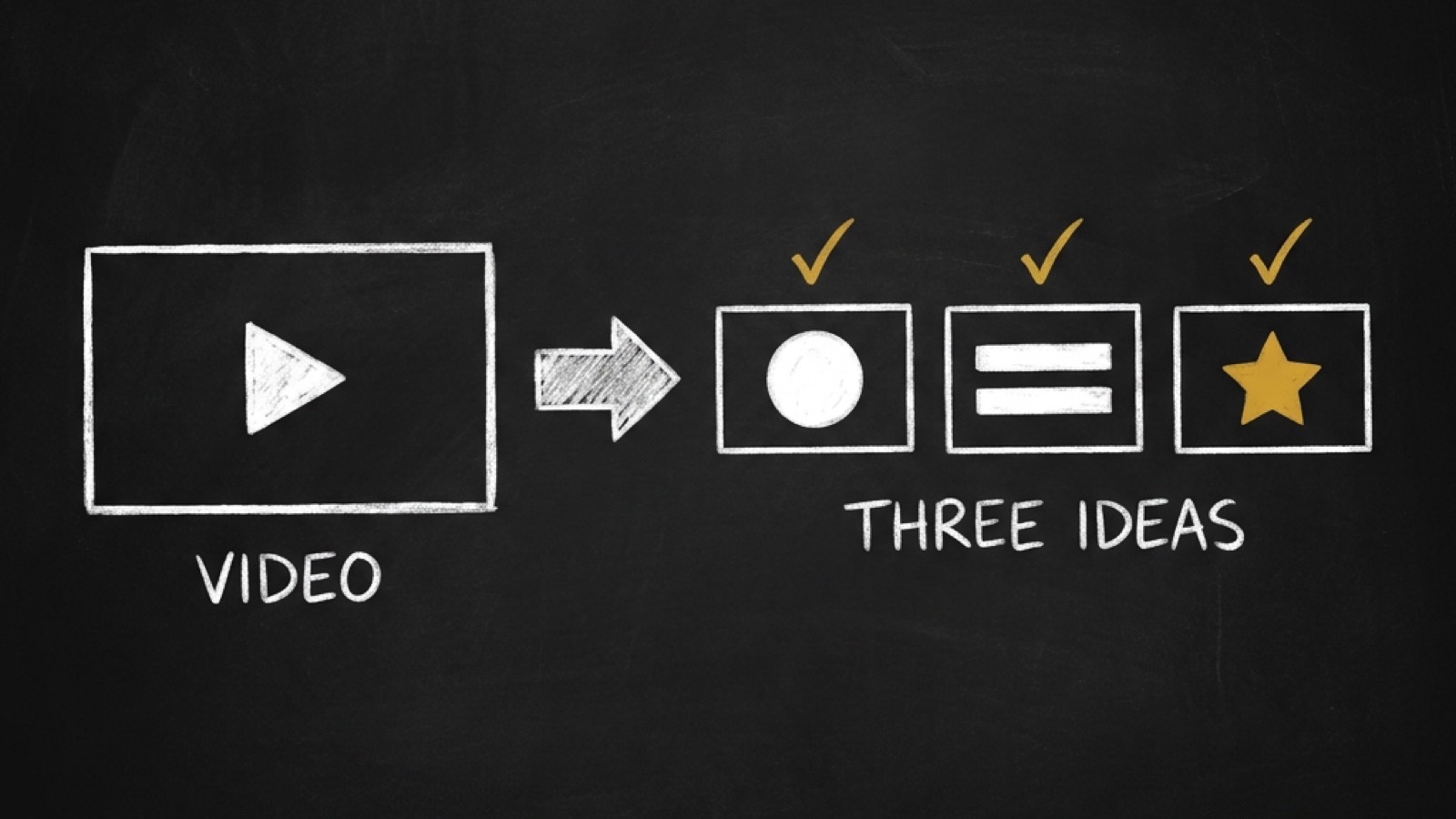
Your agent builds the 3 thumbnails for YouTube's A/B test
You know the moment. You finish the video, open an editor, and make a thumbnail that looks great on a big screen. Then you upload it, and most people see it 200 pixels wide in a sidebar, with a time stamp sitting on the corner you filled with words.
Or you do the smart thing and run YouTube's A/B test. You make three versions, wait a week, and YouTube tells you it found no winner.
Today @di-atomic/thumbnail goes live on the OPVS marketplace. Give your agent the video and its title. It plans the thumbnails for YouTube's A/B test as three real ideas, checks that each one reads where YouTube shows it smallest, and hands you the files to upload. It also makes the cover for your Shorts, Reels and TikToks, and picks the frame your video should open on.
What your agent hands back
For a YouTube video, you get a set of two or three thumbnails, built for YouTube Studio's Test and compare:
One idea per variant. Each one leads with a single idea: the promise, the subject, a proof object, an emotion, or your face against an object. Each comes with a one-line hypothesis, so the result teaches you something.
Your face, rendered for you. Give it your own photos once. The skill uses them as the reference image when
@di-atomic/media-generatorrenders each variant.Words that are checked, not trusted. When the AI draws the headline into the image, the gate reads the words back. Misspelled, too small, or in a script it can't read? It typesets the headline instead.
A report with numbers. Every image prints PASS or FAIL for its size, its contrast and its corners, so you know why an image failed.
For a Short, a Reel or a TikTok, you get one cover with the words kept clear of the platform's own title and buttons. And for any video, you get the poster frame: a settled, non-black frame that @di-atomic/video-editor bakes in as frame 0, so apps that grab the first frame, like Slack, X and Discord, show a real picture instead of a black tile.
Here's the thing about size
Your thumbnail is judged where it is smallest. I measured it on youtube.com: in a laptop window, the sidebar shows a thumbnail 200 pixels wide. Instagram's profile grid shows a cover 129 pixels wide. And the duration badge doesn't shrink with the image. At 200 pixels it covers the bottom-right 26% of the width and 21% of the height.
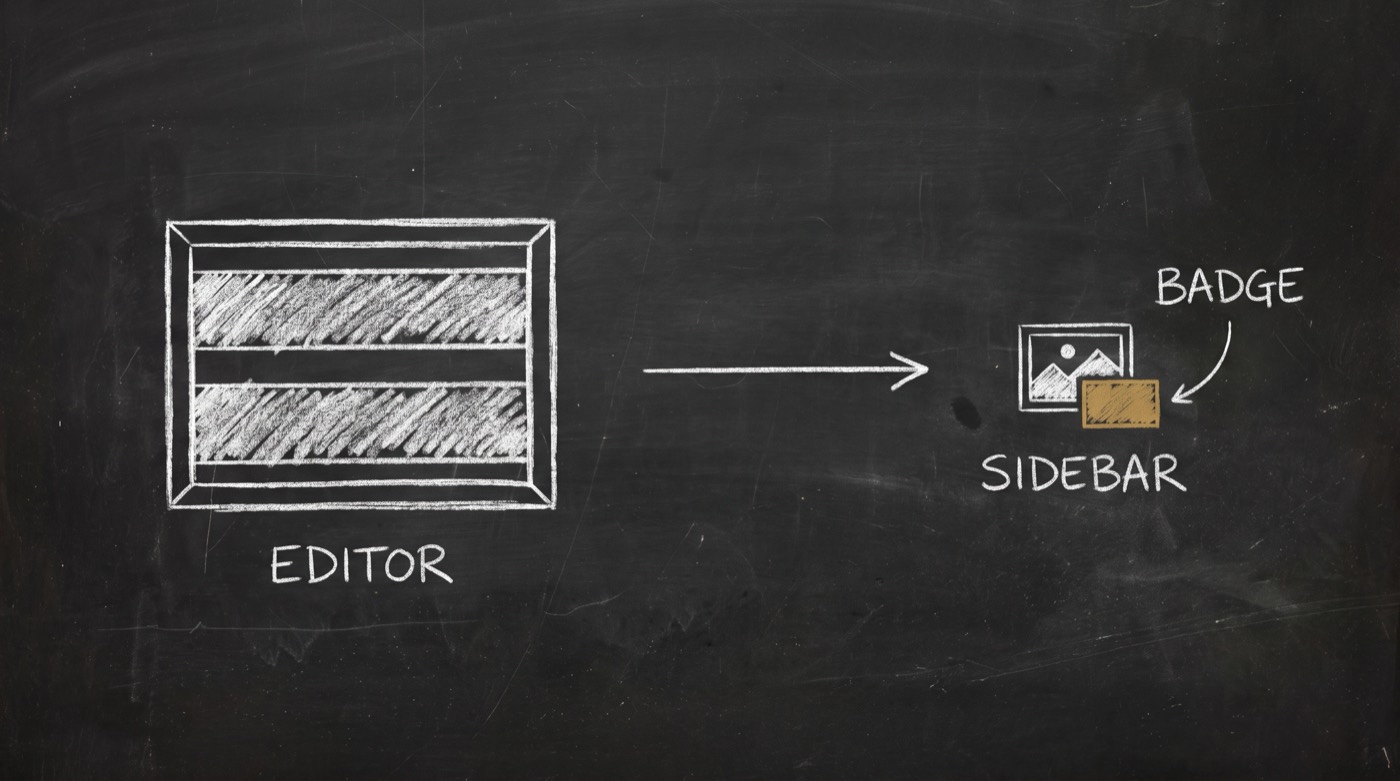
So your agent grades every image at that size, not at full size:
headline    tall enough to read at 200 px (16 arcminutes, the reading-comfort floor)
contrast    4.5 to 1 or better, measured
corners     nothing under the time stamp, nothing under the Shorts title
words       4 or fewer, or it warns you
On a 1280-pixel canvas, that first line means capital letters about 80 pixels tall. That's bigger than most people make them, and it's why so many thumbnails turn to noise in the sidebar.
Why most A/B tests find no winner
Here's where most tests go wrong. It's tempting to make three versions of one design. Same photo, different colour. Or the same layout with new words.
At 200 pixels your viewers can't tell those apart, so the test can't either. The skill measures how different each pair of variants really looks, with an image fingerprint. A recoloured copy scores 0 to 1 against its original. Swapping only the words scores 0 to 12. Two thumbnails from different videos on the same channel score 20 or more, 95% of the time.
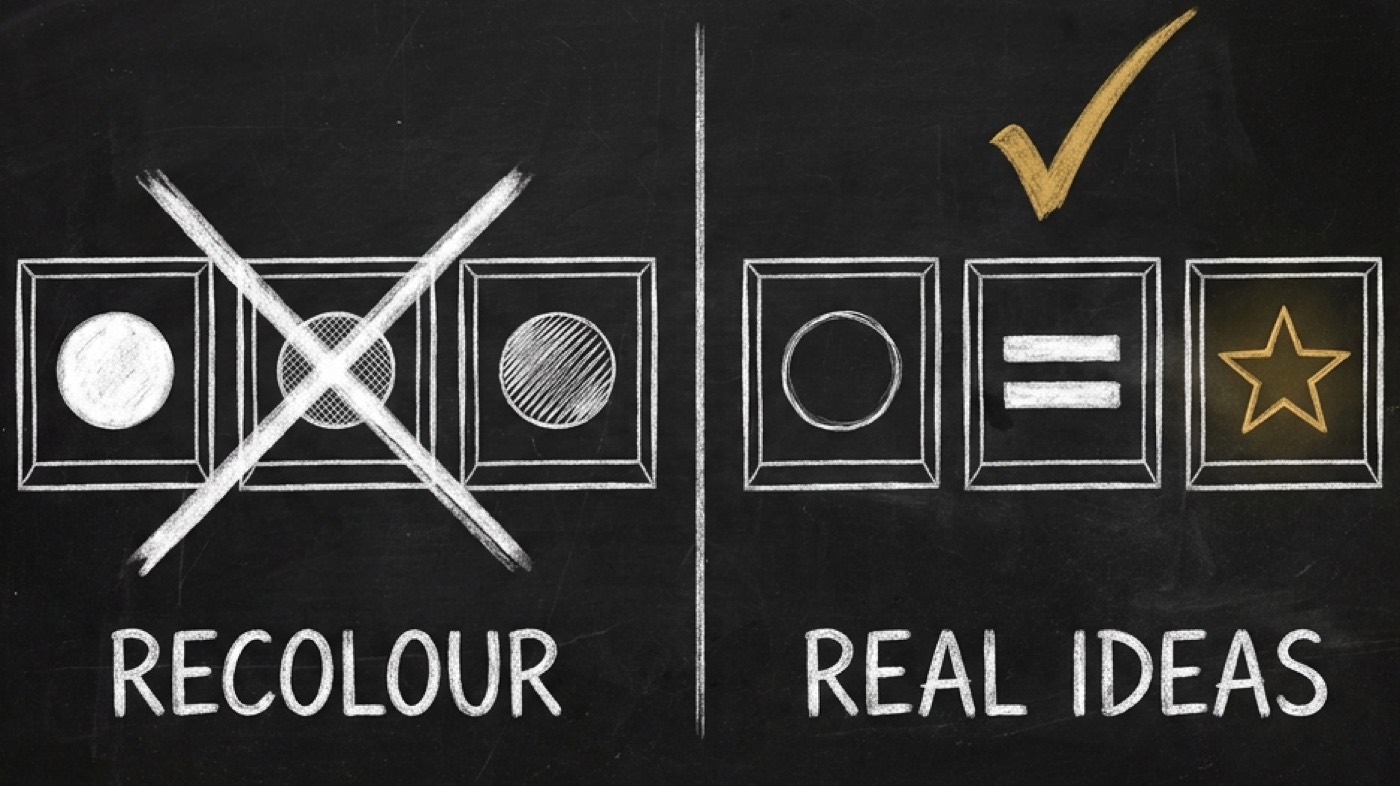
Your agent's gate asks for 16 or more between every pair. Below that, the set fails, and you get a note saying which pair looks the same. In my own test set, three variants scored 28, 25 and 41 against each other. All three passed on size, contrast and corners.
YouTube decides the test by watch time, not clicks. A winner can even have the lower click-through rate. And in YouTube's own words, "it's normal not to receive a 'Winner'". A set of three real ideas gives the test something to find.
What happens after the test
When the result comes back, your agent reads it with you. Winner, performed the same, or inconclusive: each one means something different, and each gets written to your agent's memory with the idea that was tested. Three results on the same idea become a pattern. Your next set starts from your own audience's evidence, not a blog's rule of thumb.
If you want to know whether a win is real, the skill hands the numbers to @di-atomic/cro-optimizer, which checks it before you believe it.
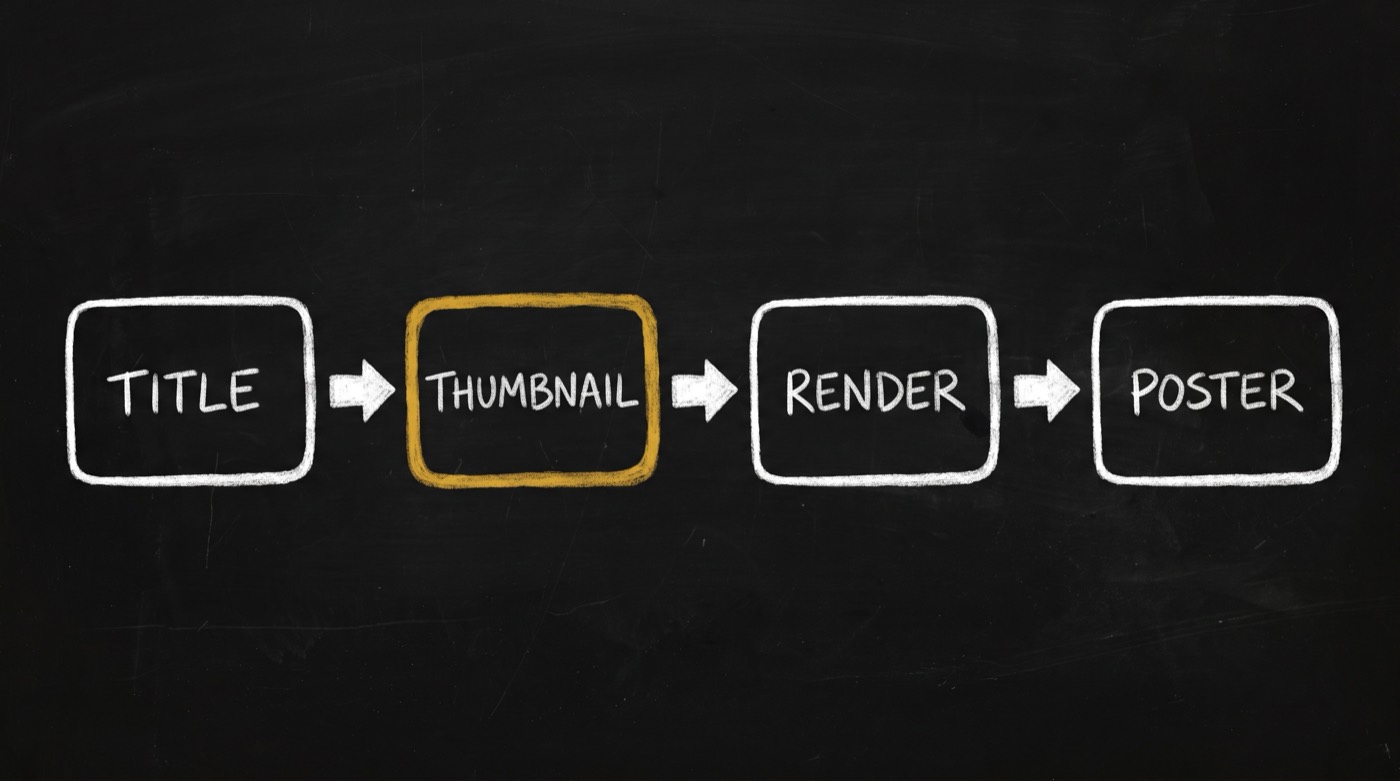
Where it plugs in
The thumbnail sits in the middle of the video chain. @di-atomic/youtube-content-creator writes the title, and the thumbnail never rewrites it. @di-atomic/media-generator renders each image. @di-atomic/video-editor bakes the poster frame and reads frame 0 back to prove it worked.
It works with whatever model you already use. The skill never calls a model itself. Its scripts do the measuring, and your agent's own model does the planning.
Why you can trust the gates
Before I wrote a single rule, I checked what's out there. I ran 941 real thumbnails from 22 AI-tool, SaaS and B2B-marketing channels through the same checks. About 1 in 10 had nothing readable at 200 pixels. About 30% put words right where the time stamp sits.
The scan also told me what the gates can't do. Faces and big text were in almost every thumbnail, the hits and the flops alike. Layout didn't separate the videos that broke out. That's why the gates only keep your images readable, and the A/B set tests ideas.
One honest limit. The path where the AI draws the words has not yet run end to end on a real render. The read-back check itself is tested, and typeset headlines are exact. The first real sets will show how often the fallback kicks in.
Bottom line?
Your thumbnail gets one look, at 200 pixels, before someone scrolls past. Your agent can now make that look count, and test real ideas instead of three shades of one.
Install it:
opvs-skills install @di-atomic/thumbnail --to ./skills-cache
cp -R ./skills-cache/*/thumbnail .claude/skills/thumbnail
Use --to, not --runtime. The scripts are the skill, and a runtime install leaves them behind. You'll need ffmpeg on the machine. Then say: "make 3 thumbnails to A/B test for this video."