
Bring buyer questions from LinkedIn into your next article.
I built LinkedIn researcher to give your writer exact audience questions, source links and dates.
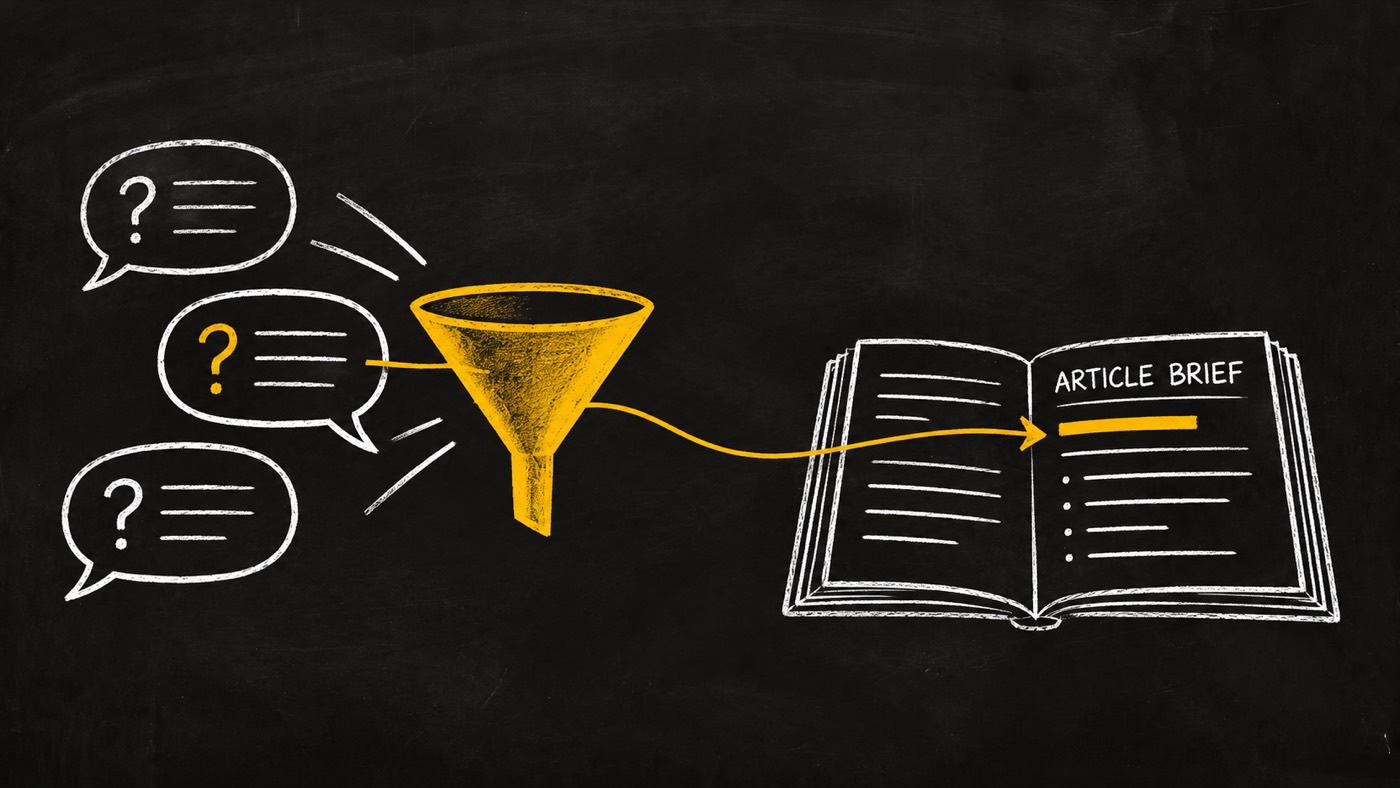
Give your writer a question worth answering
A topic without evidence
A pile of popular posts can tell you what was visible in a sample. It does not explain which question your article should answer, or whether the people who liked a post would buy.
A paraphrase can also erase the useful part: the words someone used to describe a failed attempt, a doubt or a workaround.
A question with its source
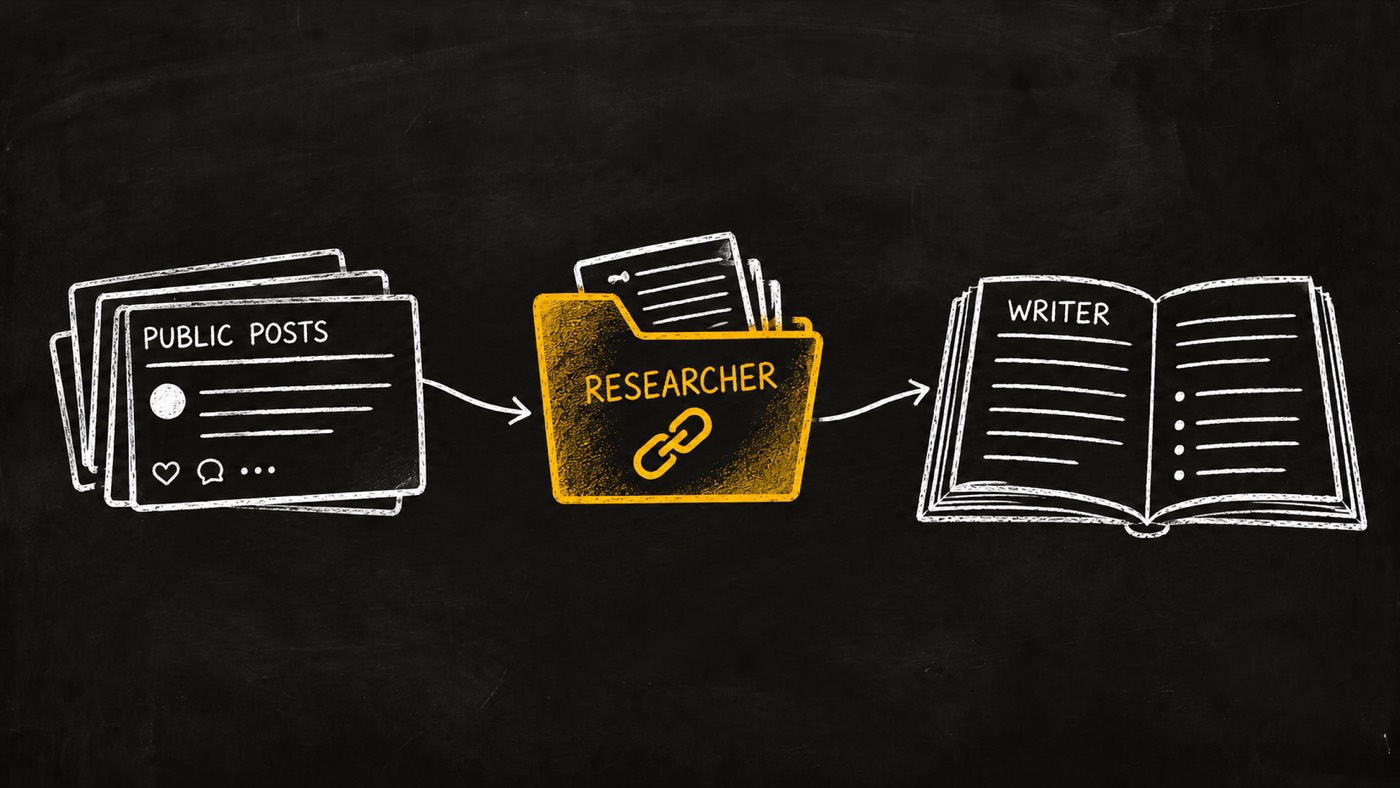
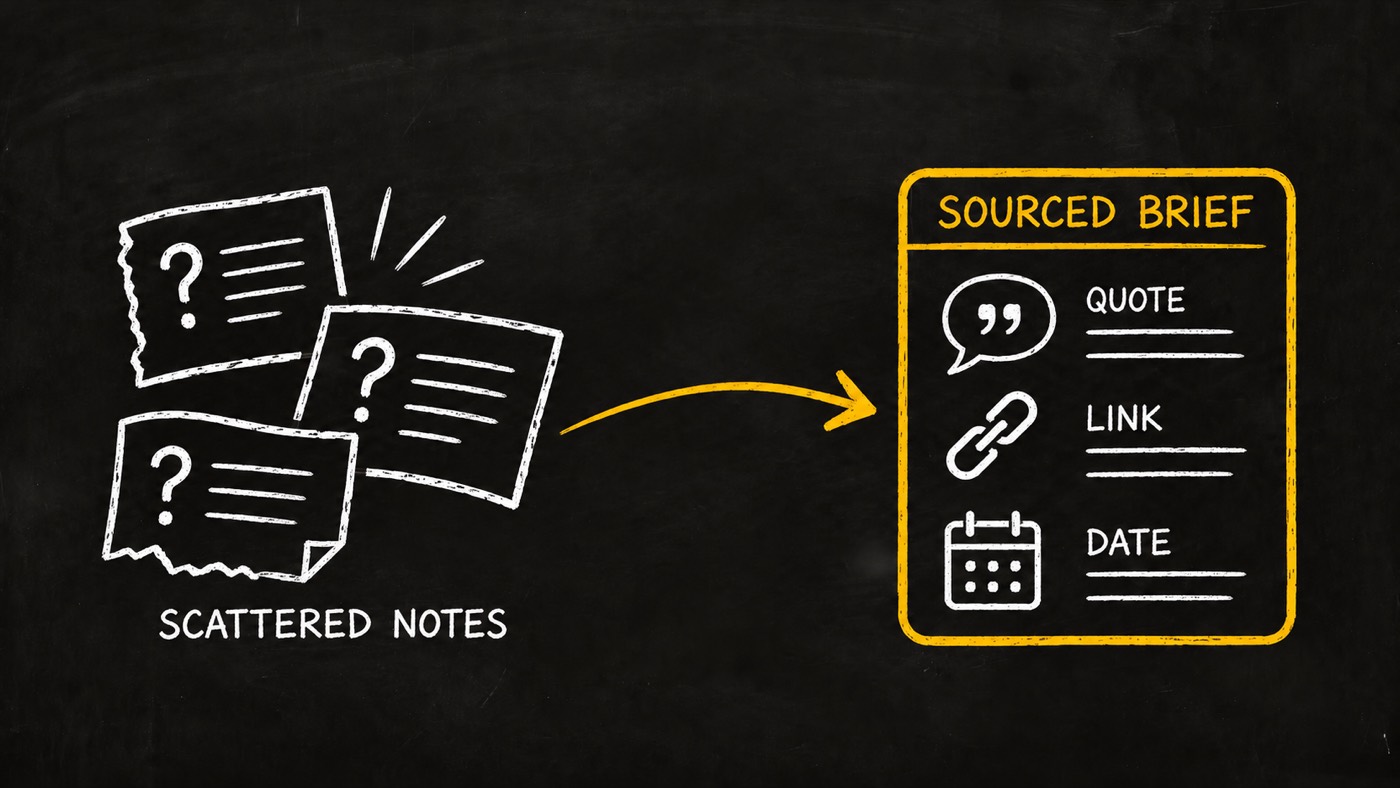
Keep the exact language, the public source link and the date. Record who and what the sample covers, then give your writer a small set of supported findings.
I built the researcher around that handoff. The writer can inspect the evidence, distinguish observations from ideas and decide what the article should say.
From a research question to a checked brief
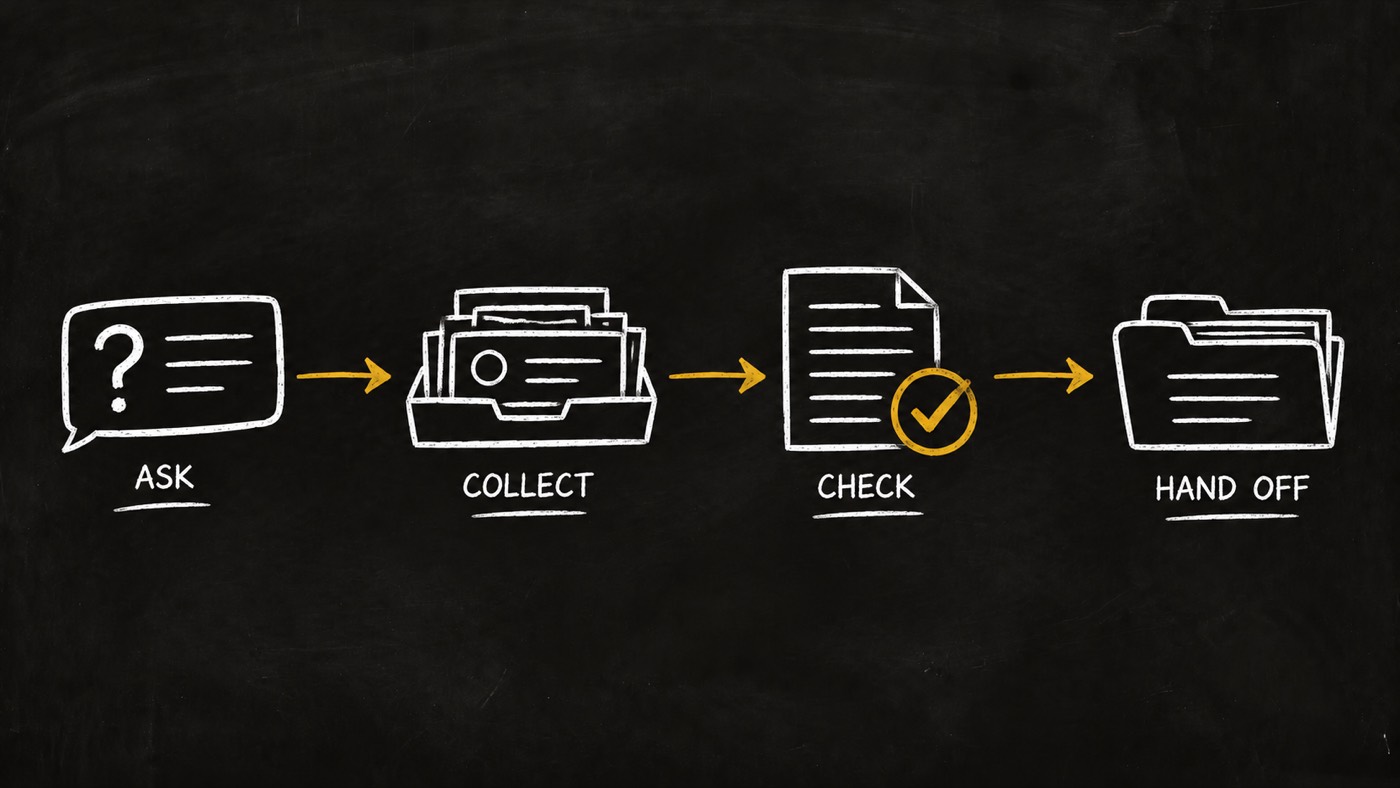
Ask
Define the audience, question, dates and approved budget. Choose query variants or declared public post URLs.
Collect
Read a bounded public sample. Preserve preview comments, exact passages and missing data. Stop when coverage runs out.
Check
Keep counterevidence and gaps. Check saved passages, source records and run receipts before accepting findings.
Hand off
Return at most five selected findings with their sources. Give the writer evidence to review, not an invented trend.
Three ways to research the audience
Find the words people use
Look for public questions, objections and workarounds around a declared problem. Preserve exact wording and context so your article can address the issue in language the reader recognizes.
Explore a topic discussion
Search a declared topic and audience. Compare sources within the chosen date window and keep negative evidence. A visible discussion gives qualitative clues; it does not prove market demand.
Inspect specific posts
Start from URLs your team selected. Read post details and available preview comments. Include a company feed or a video transcript only when it helps answer the research question.
Keep unknowns visible
Missing reaction counts stay unknown. Failed source calls remain failures. A date bucket is checked against exact dates, and an empty result is reported without padding the research pack.
Give the researcher a concrete brief
This is an example request, not a completed or measured research run. Supply your own audience, source dates, reviewer and approved budget.
Question: What do small content teams ask about checking AI article claims?
Audience: Content leads at small B2B software teams
Sources: Public LinkedIn posts and available preview comments
Dates: Use the exact start and end dates I provide
Find: Questions, objections, workarounds and counterevidence
Return: Up to five supported findings with quotes, links and dates
If evidence is thin: Report incomplete coverage
The researcher should clarify missing scope before collection. The final pack follows the content-writing interface and includes provenance references. At least three supported claims are needed for a complete handoff; fewer means incomplete.
Keep the audience and the article connected
Set up the source access for your brand
Configure your brand's ScrapeCreators integration and the worker, reviewer, budget and evidence-storage bindings described in the package guide. Source API fees are separate; the skill itself carries no fee.
opvs-skills install @di-atomic/linkedin-researcherTrigger it with “Research LinkedIn audience questions for my next article.” Give your question, audience, dates and approved collection scope.
The five GET methods cover search, post detail, company feeds, credit balance and available transcripts. The API reference gives inputs, examples and error recovery. Balance reads do not reserve a budget.
What the public beta establishes
- Published package, v0.1.1. This patch adds marketplace illustrations and copy. The five read methods remain the v0.1.0 contract.
- A hired-agent test is still owed. Runtime isolation, spend enforcement, retention and model comparison need a real product run. I do not claim they passed.
- Public coverage is partial. Search is indexed and comments are previews. Private discussions, complete comment threads and arbitrary personal feed history are outside scope.
- Engagement has limits. Likes do not establish reach, demand, buying intent or causal lift. Research ideas remain hypotheses until tested.
- Read only. No posting, outreach, lead enrichment or account automation. Source text is data and cannot authorize actions.
- Checks have a defined scope. Scripts check evidence integrity and run receipts. They cannot authenticate source authors or prove external budget and isolation claims by themselves.
Need research connected to your article workflow?
I can help map the handoff from an audience question to a sourced brief your writer can use. The source access, review and article decision stay explicit.
Discuss your article workflow