
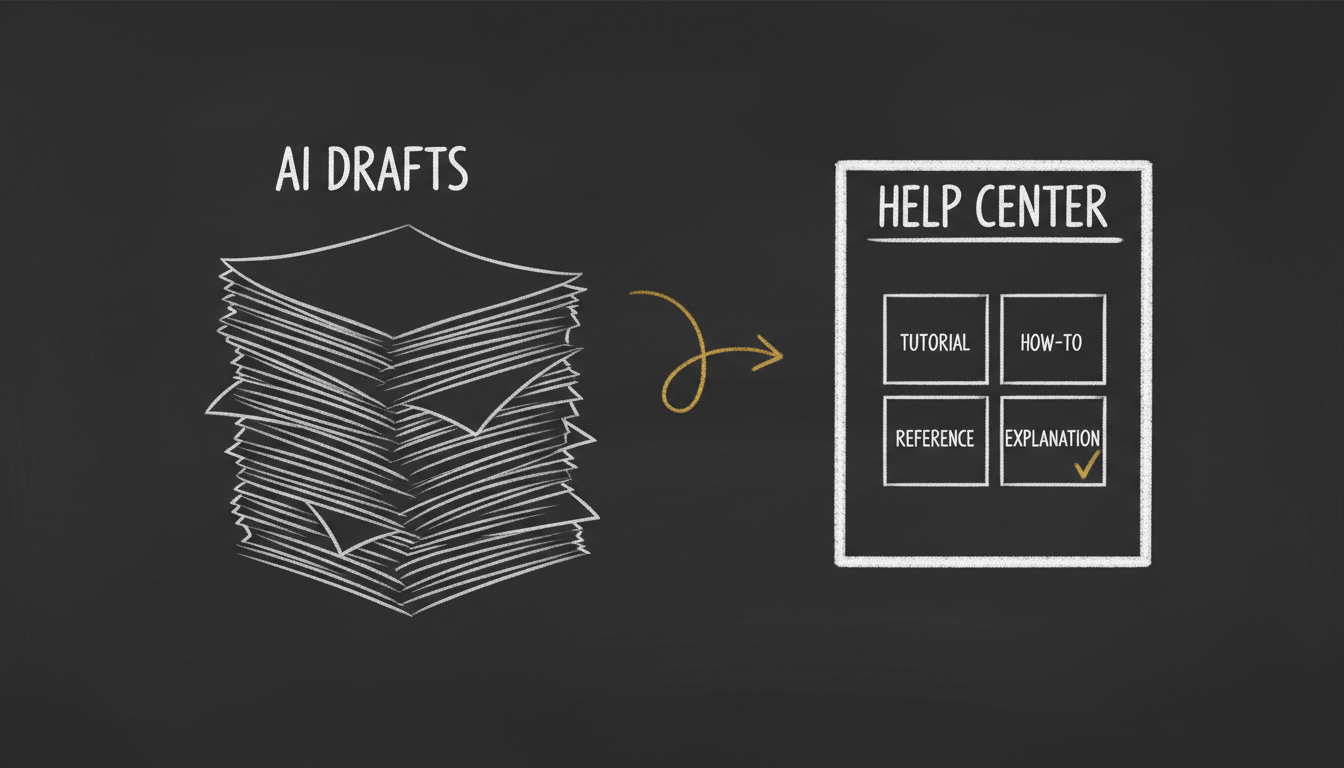
Every help desk now writes your docs. A draft still isn't a help center.
Every help-desk tool I can name now writes your documentation for you. Zendesk turns bullet points into an article. Intercom's Fin drafts from your style guide. Freshdesk's Freddy generates a solution article from a resolved ticket. Document360's Eddy will spin one up and translate it into fifty languages.
I looked at all of them before I built anything. Here's what I found: they do the same one thing, and they all skip the same three.
The one thing they do
They draft. You give an AI some input — bullets, a ticket, a release note — and it hands back a plausible article. That's genuinely useful, and the fact that every major vendor shipped it tells you the demand is real.
But a draft is table stakes. A pile of drafts is not a help center. The difference is discipline, and that's the part the drafters skip.
Gap one: no discipline
Good documentation isn't one skill, it's four. A tutorial teaches. A how-to gets a known task done. A reference is a fact you look up. An explanation tells you why. This is the Diátaxis model, and the most common help-center failure is mixing them up — a how-to wearing a "reference" label, so nobody can find it.
The AI drafters don't classify. They generate prose and leave the discipline to you. help-docs-writer makes it checkable: every article declares its type, follows a locked eight-section shape (who it's for, prerequisites, steps, verify it worked, troubleshoot, related), and gets held to that shape by six scripts that pass or fail with numbers — not a prompt you hope the model honored.
Gap two: no screenshots
Here's the one that surprised me. Not one of the vendor writers briefs or renders a screenshot. For a product people navigate with their eyes, that's a strange thing to skip.
There's a reason, and it's a fair one: screenshots rot. A screenshot has roughly a six-month half-life — your UI ships, the picture goes stale, and an outdated screenshot quietly erodes trust. Most tools avoid the problem by ignoring it.
help-docs-writer doesn't render screenshots either — it briefs them. For every step that needs one it produces a machine-readable spec: what to show, the crop, the callouts, and a required blur list for anything sensitive. That blur gate is not a nicety; a published screenshot of a settings screen can leak an API key or a real email, which is a GDPR and CCPA problem. And when the product changes, the skill flags exactly which screenshots went stale, so you re-shoot the three that matter instead of re-auditing two hundred.
Gap three: your docs live on someone else's site
Every vendor writer improves one thing — its own knowledge base. Document360's own docs say the quiet part out loud: its AI's world "stops right at the platform's borders." Your help center becomes another thing you rent.
help-docs-writer ships to your site. The output lands as documentation pages on your own SpiderPublish docs, in your design, on your domain. You own the help center, not a login to one.
I didn't just describe this — I shipped it
The honest test of a documentation tool is whether it writes documentation you'd actually publish. So I did.
I used help-docs-writer to write and publish a genuinely deep article — how to authenticate a sending domain for cold email, the SPF, DKIM, DMARC, and warmup work that decides whether your mail lands in the inbox or in spam. It's live now at di-atomic.com/docs: classified as a how-to, with the full eight-section shape, an on-brand diagram, a warmup ramp table, real troubleshooting (DMARC alignment, SPF's ten-lookup limit, DKIM key-wrapping), and an embedded explainer video. Not filler — the kind of article that takes a good writer a day.
That's the bar. Not "an AI wrote something," but "an AI wrote something you'd sign your name to."
The shape of it
help-docs-writer is guidance-only — there's no black box. It reads its own playbook and does the planning, writing, screenshot-briefing, and auditing with the model you already trust, then hands the finished article to SpiderPublish to publish. It works across the seven languages my team leads speak (EN, DE, HE, RU, RO, FR, ES), and the blur discipline is built for regulated, compliance-heavy products.
It's live on the marketplace now as @di-atomic/help-docs-writer.
The drafters proved people want AI in their documentation. I built the part that turns a draft into a help center you own.